
Project Overview
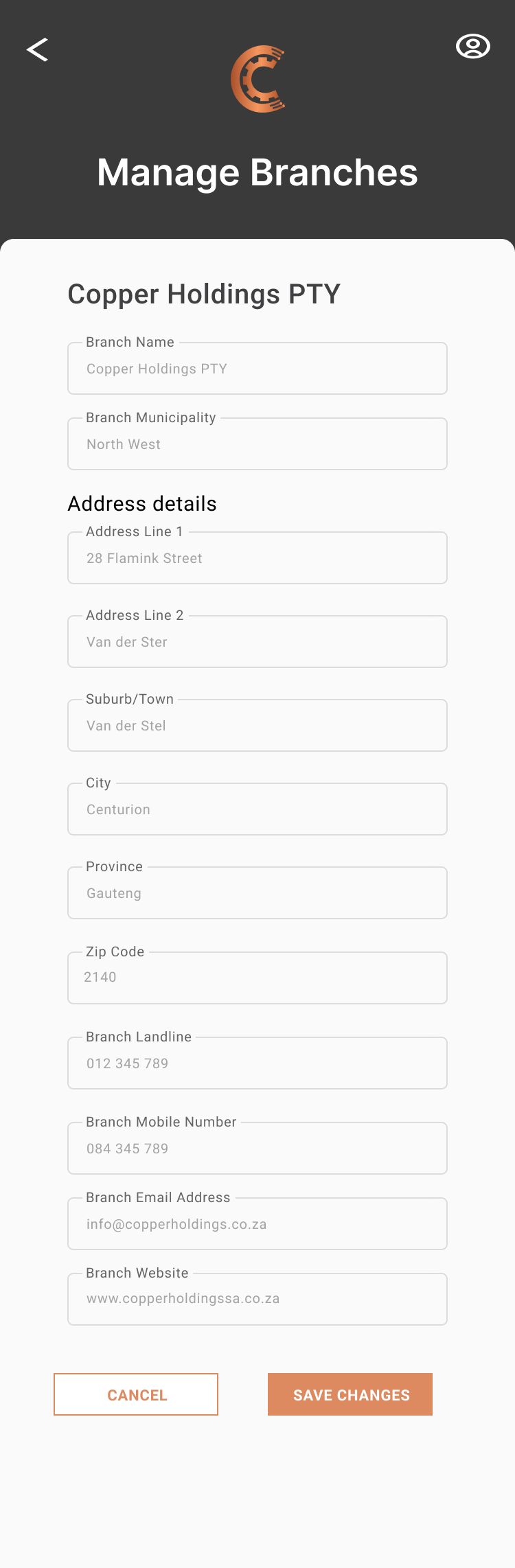
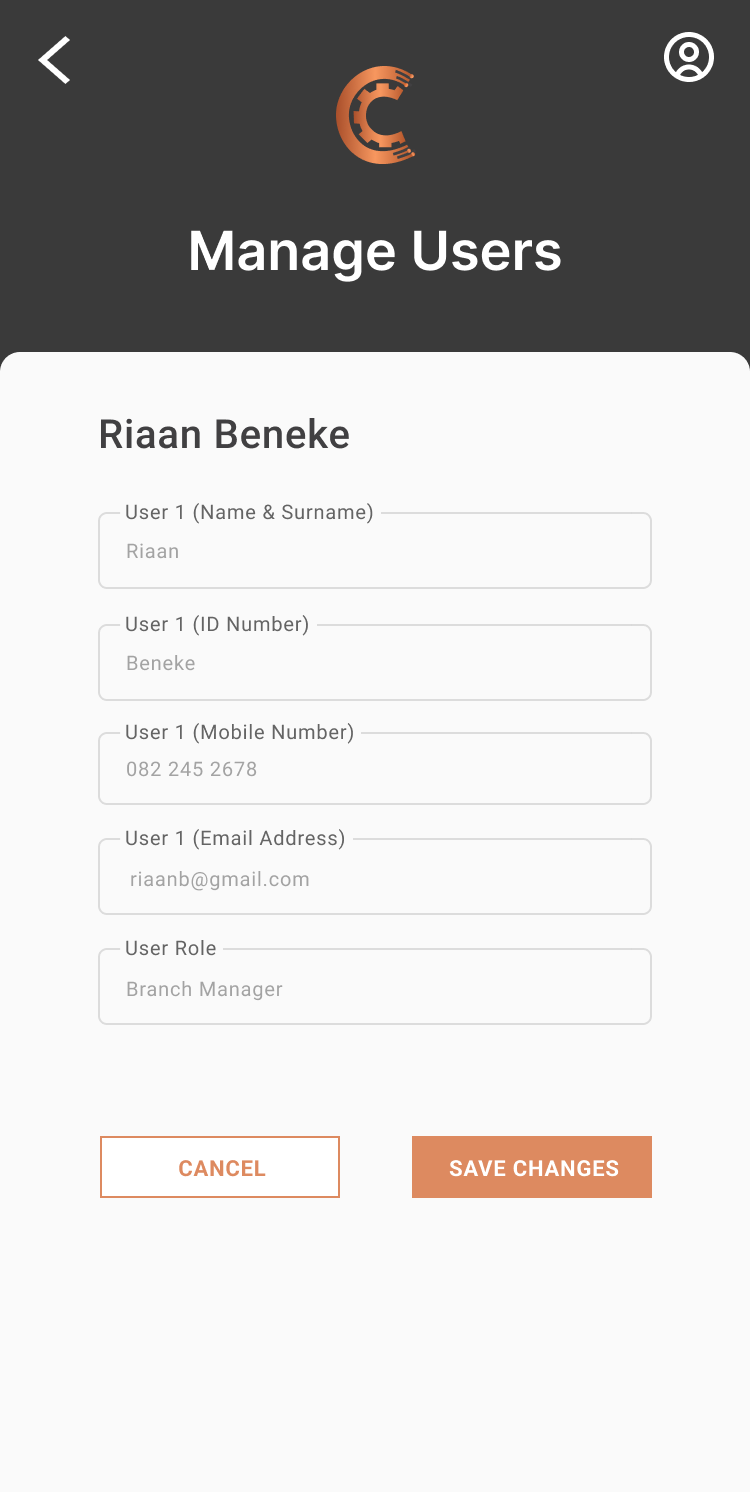
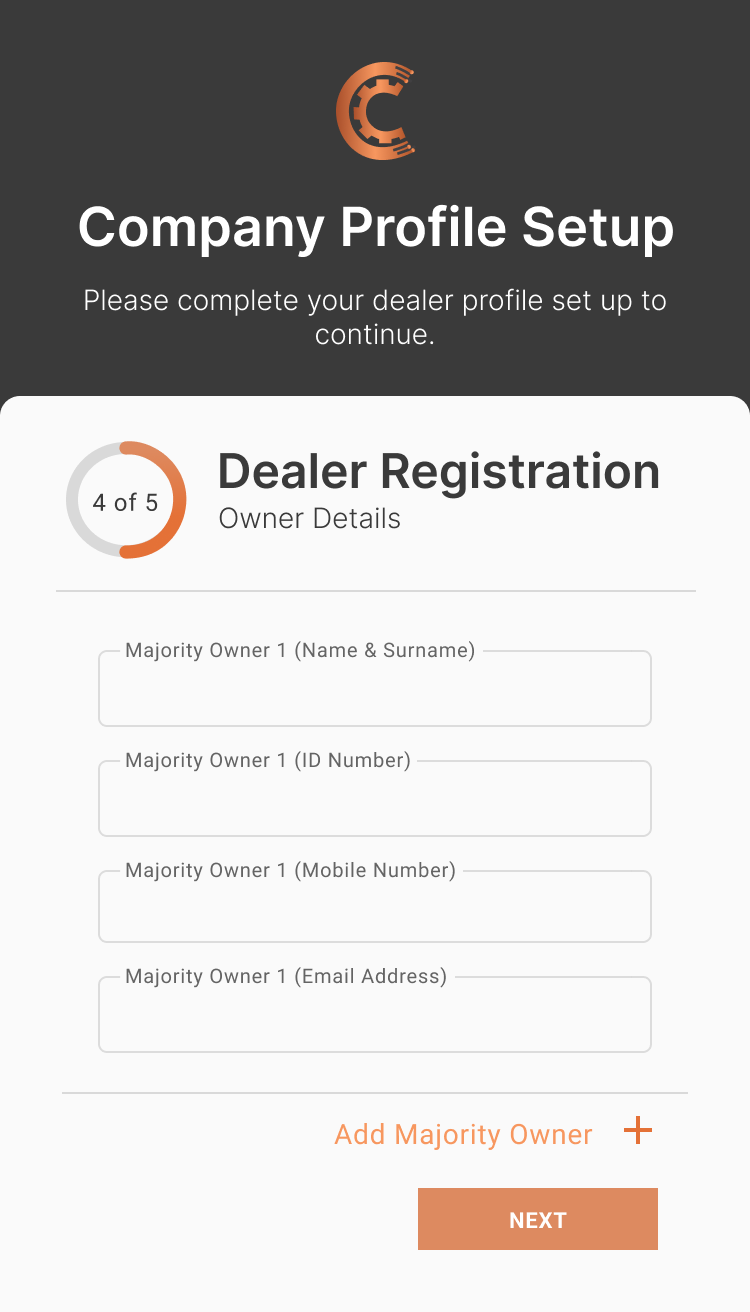
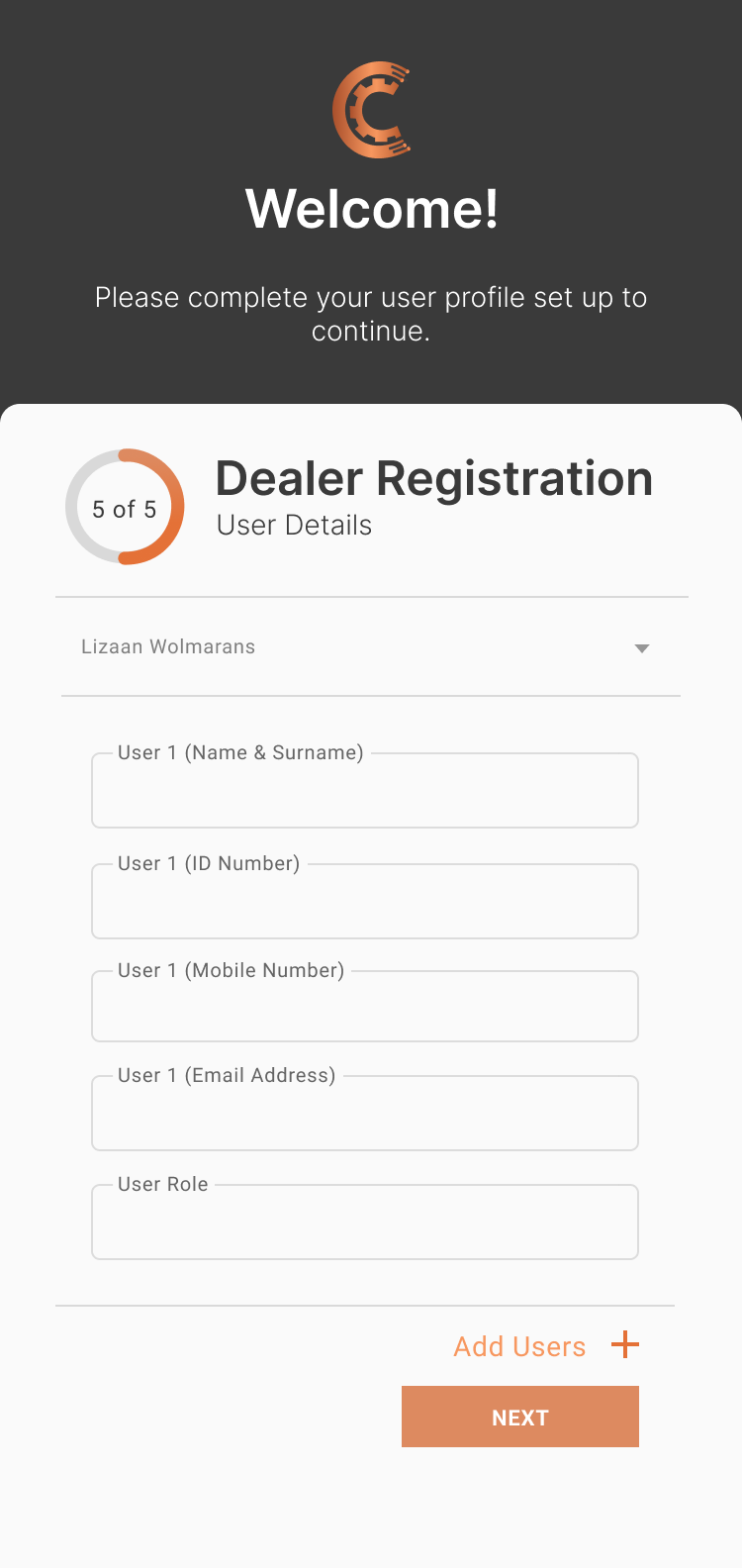
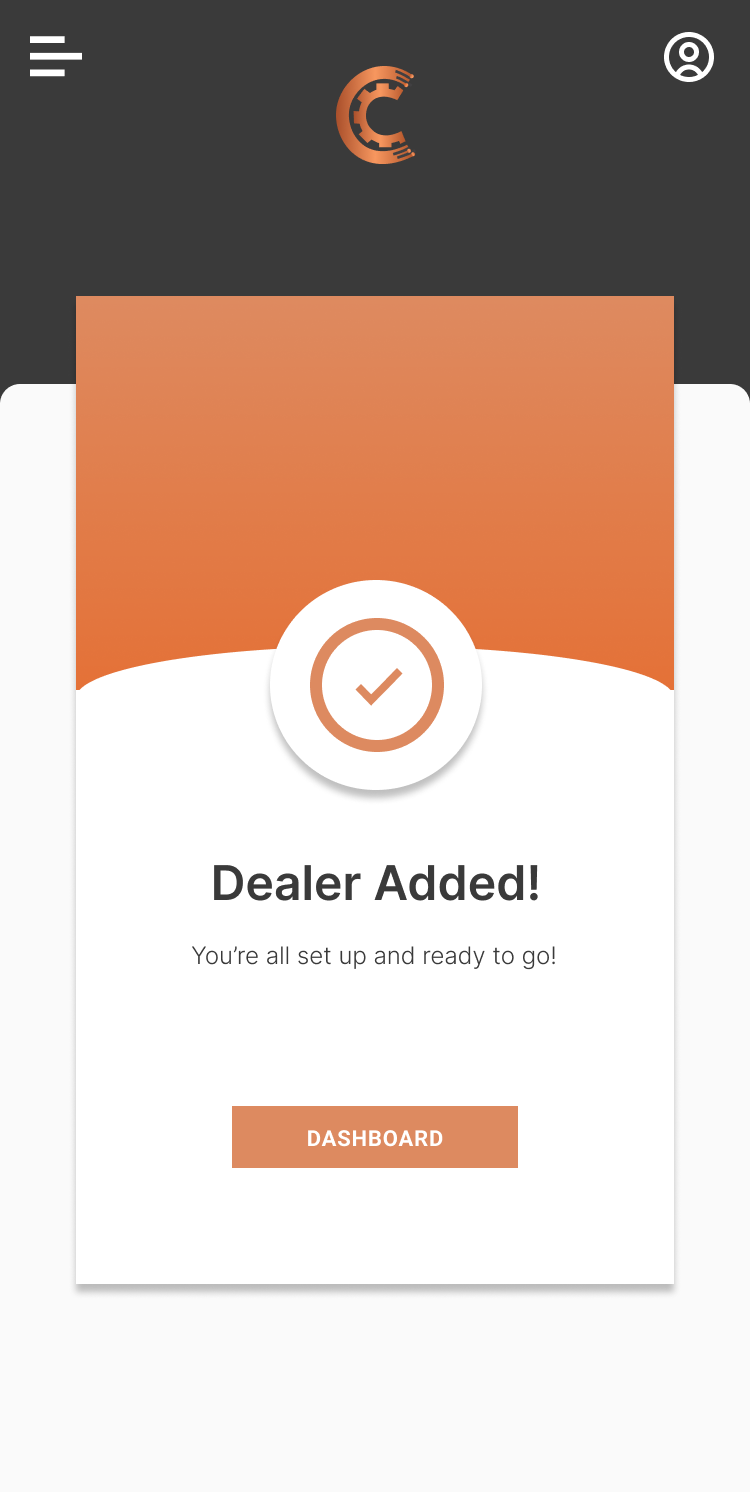
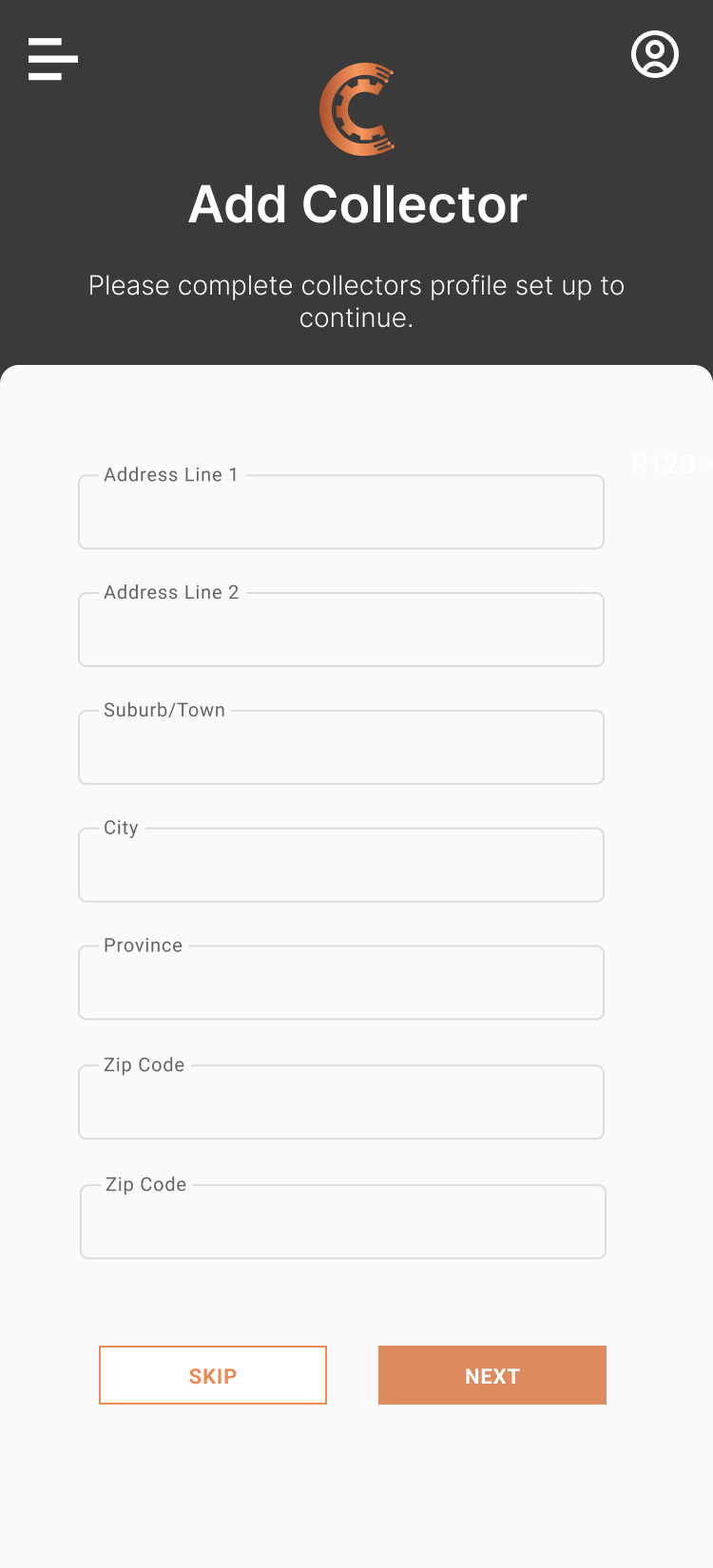
For this project, I was tasked with designing a new module for an existing app focused on wire theft prevention and response. The new module was specifically created for copper branch owners and businesses involved in buying and selling copper. The goal was to provide these users with a dedicated interface that allowed them to manage day-to-day operations more efficiently. Key features included the ability to register and manage copper collectors, log and track copper transactions, and maintain a record of branch activity. The design needed to be practical, secure, and easy to use supporting both compliance and operational needs within the copper trade industry.
www.cusper.co.za
Design Process


User research summary
User research for the copper module focused on understanding the daily workflows, challenges, and priorities of branch owners and copper traders. Through interviews and observations with stakeholders across multiple branches, we discovered that users needed a quick and secure way to log transactions, manage collector details, and generate reports for compliance purposes. Many relied on manual record-keeping, which often led to errors, delays, and lack of transparency. Users emphasized the importance of having an easy-to-use system that worked well on mobile devices, as most operations occurred on the go. The need for accountability and traceability was also highlighted, with users requesting features like photo uploads, digital signatures, and activity logs. These insights helped shape a digital solution tailored to their real-world workflows, aimed at improving efficiency, accuracy, and security in the copper trading process.
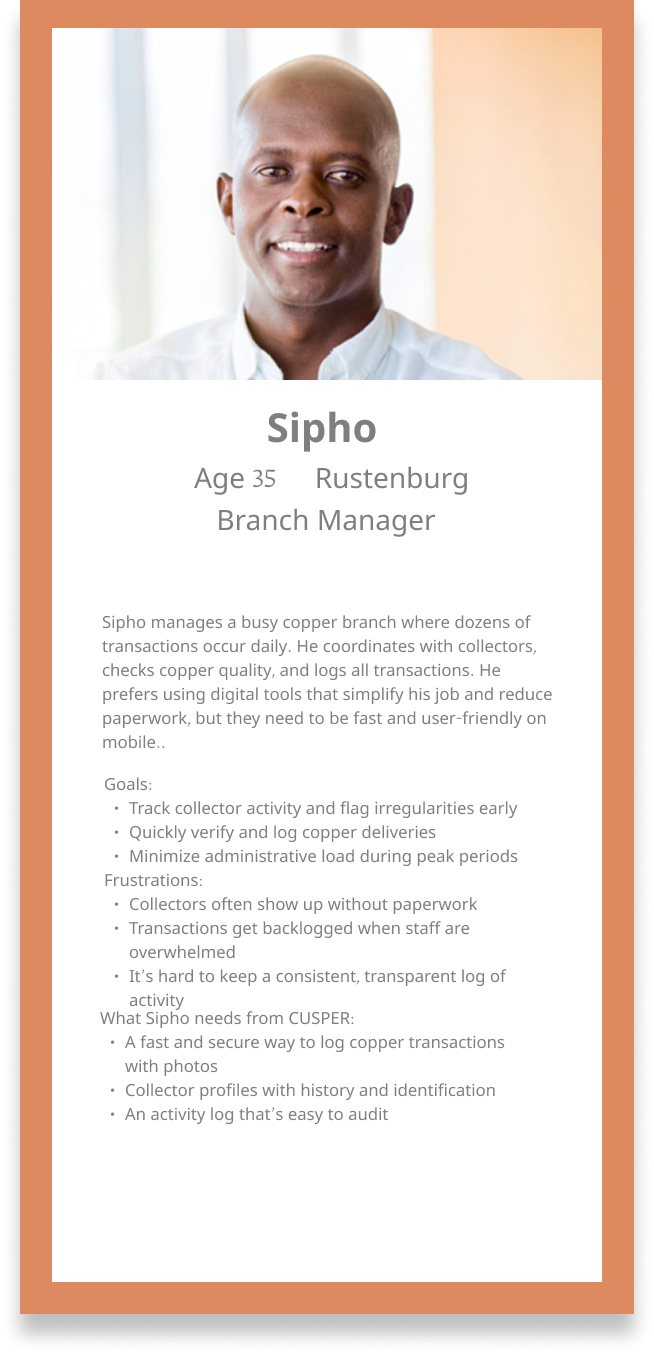
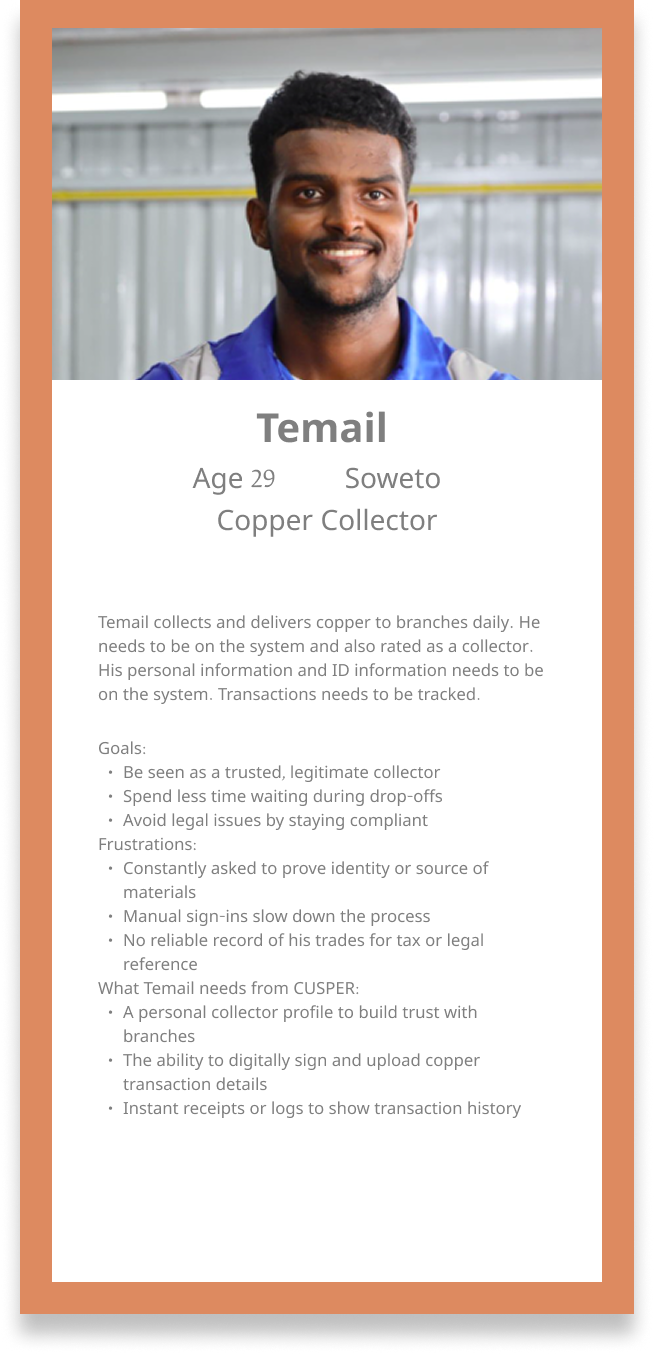
User personas

Usability study
1. Pain point: Complexity in navigation
Problem: Users, especially those unfamiliar with the app, may find it difficult to navigate through the different features like reporting theft, adding a business, or tracking transactions.
Strategy:
- Simplify the user interface (UI): Organize features into clear sections (Report Theft, Copper Businesses, Transactions).
- Use tooltips and onboarding tutorials: Implement step-by-step guides or tooltips that briefly explain each section the first time the user opens the app.
- Menu restructuring: Introduce a more intuitive and minimalist navigation bar for easier access to key features.
2. Paint point: Lack of trust in reported information
Problem: Users might be hesitant to trust the data from businesses or individuals who report theft or transactions, leading to skepticism about the accuracy of the information.
Strategy:
- Implement Verification Features: For reports and transactions, incorporate verification steps like GPS tracking, photo evidence, and third-party confirmation (local law enforcement, business approval).
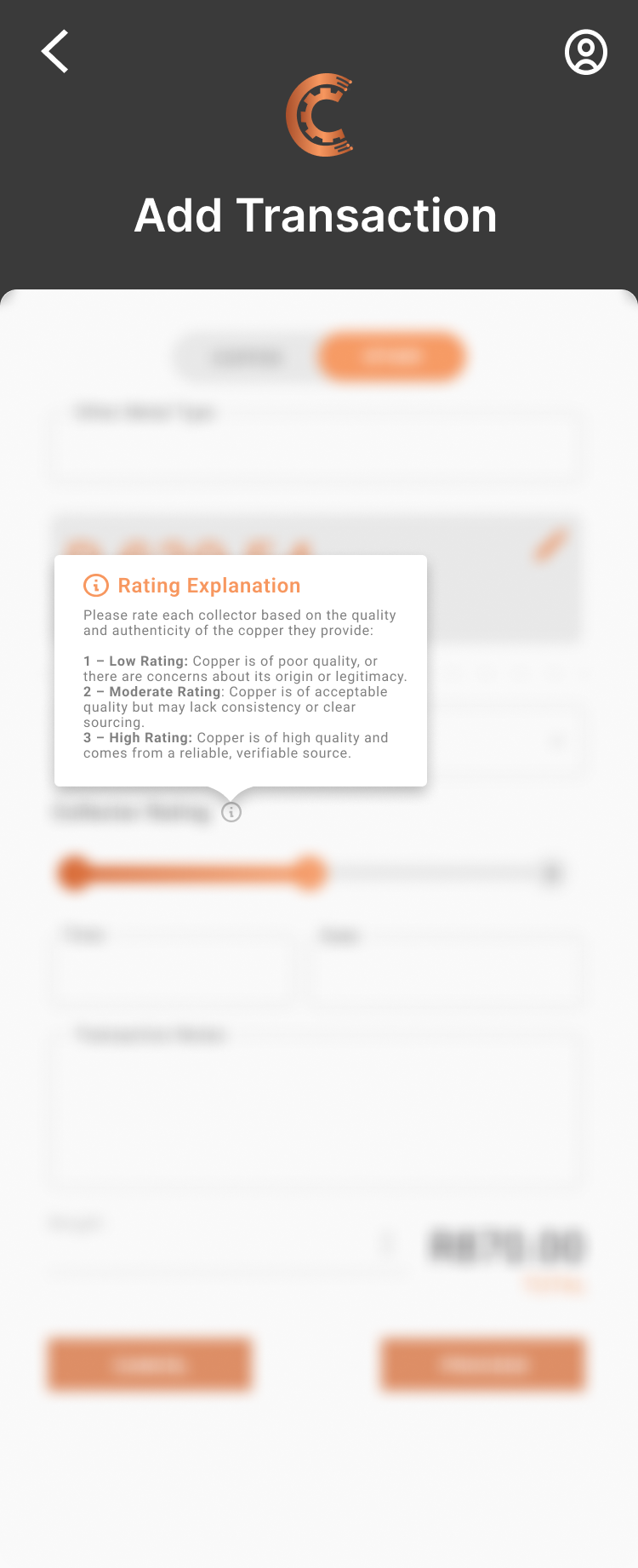
- User Rating System: Allow users to rate the reliability of reports or transactions, creating a community-driven trust metric.
- Secure Documentation: Encourage businesses to upload official documents (purchase receipts, contracts) to provide legitimacy to their copper sales or acquisitions.
3. Pain point: Limited engagement with collectors and businesses
Problem: Copper collectors and businesses might not interact enough with the app, leading to underutilization of its full potential.
Strategy:
- Incentivize Active Participation: Create a reward system for users who frequently report theft, add transactions, or update their business profiles, such as badges or discounts.
- Push Notifications and Reminders: Send personalized reminders for businesses to update their transactions or encourage collectors to engage with nearby copper deals.
- Offer Networking Opportunities: Create a community feature for businesses and collectors to communicate, exchange tips, or collaborate on solving theft problems.
These strategies should help improve the app’s usability, increase user trust, and promote engagement across different user groups.
User journey maps
Owner journey - Setting up and managing business
Step 1
Registration
Action
Signs up and selects Business Owner
Goal
Create business account
App feature used
Registration and role selection
Notes/Pain points
Needs clarity on role definitions
Step 2
Add business info
Action
Inputs business name, location and documents
Goal
Set up official copper business profile
App feature used
Add business
Notes/ Pain points
Uploading documents might feel complex
Step 3
Add branch
Action
Adds one or more branches with addresses
Goal
Enable decentralized operations
App feature used
Add branch
Notes/Pain points
Could benefit from map/GPS integration
Step 4
Add branch manager
Action
Invites branch manager via phone or email
Goal
Assign management to other teammembers
App feature used
Add manager to branch
Notes/Pain points
Confusion around access levels
Step 5
Review dashboard
Action
Views transactions, collector logs and activity
Goal
Monitor overall performance
App feature used
Business dashboard
Notes/Pain points
May wants exportable reports or filters
Branch manager journey - Managing collectors and oversight
Step 1
Invitation
Action
Receives link from owner to register
Goal
Join the business as a branch manager
App feature used
Registration and invite code
Notes/Pian points
Needs help understanding role permissions
Step 2
Login and access
Action
Logs in and selects assigned branch
Goal
Access tools relevant to branch
App feature used
Branch dashboard
Notes/Pain points
Should be shown branch specific data
Step 3
Add collectors
Action
Adds collectors with basic info and ID documents
Goal
Enable copper collection workflow
App feature used
Add collector
Notes/Pain points
Collector onboarding should be fast and mobile-friendly
Step 4
Activity monitor
Action
Checks collector transactions and status
Goal
Oversee day to day transactions
App feature used
Collector list and status monitor
Notes/Pain point
Needs alert system for suspicious activity
Step 5
Report issues
Action
Flags duplicate/suspicious transactions
Goal
Maintain branch transparency
App feature used
Report issue
Notes/Pain points
Simple reporting flow with fast resolution preferred
Cashier journey - Handling copper transactions
Step 1
Login
Action
Logs into branch account
Goal
Access cashier tools
App feature used
Login screen
Notes/Pain points
Should be very fast and lightweight
Step 2
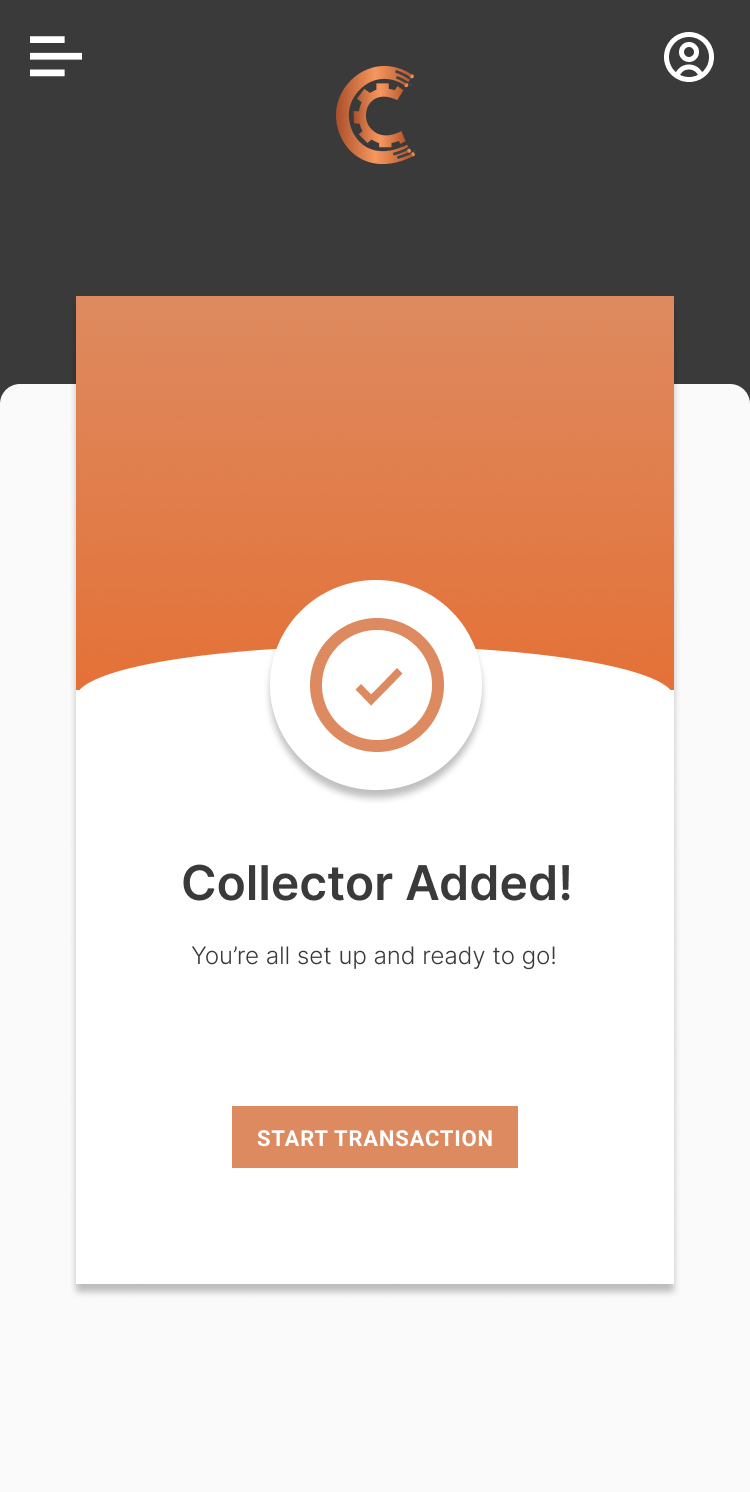
Verify collector
Action
Searches or scan collectors ID
Goal
Confirm identity before transaction
App feature used
Collector search or QR scan
Notes/Pain points
Needs offline fallback data
Step 3
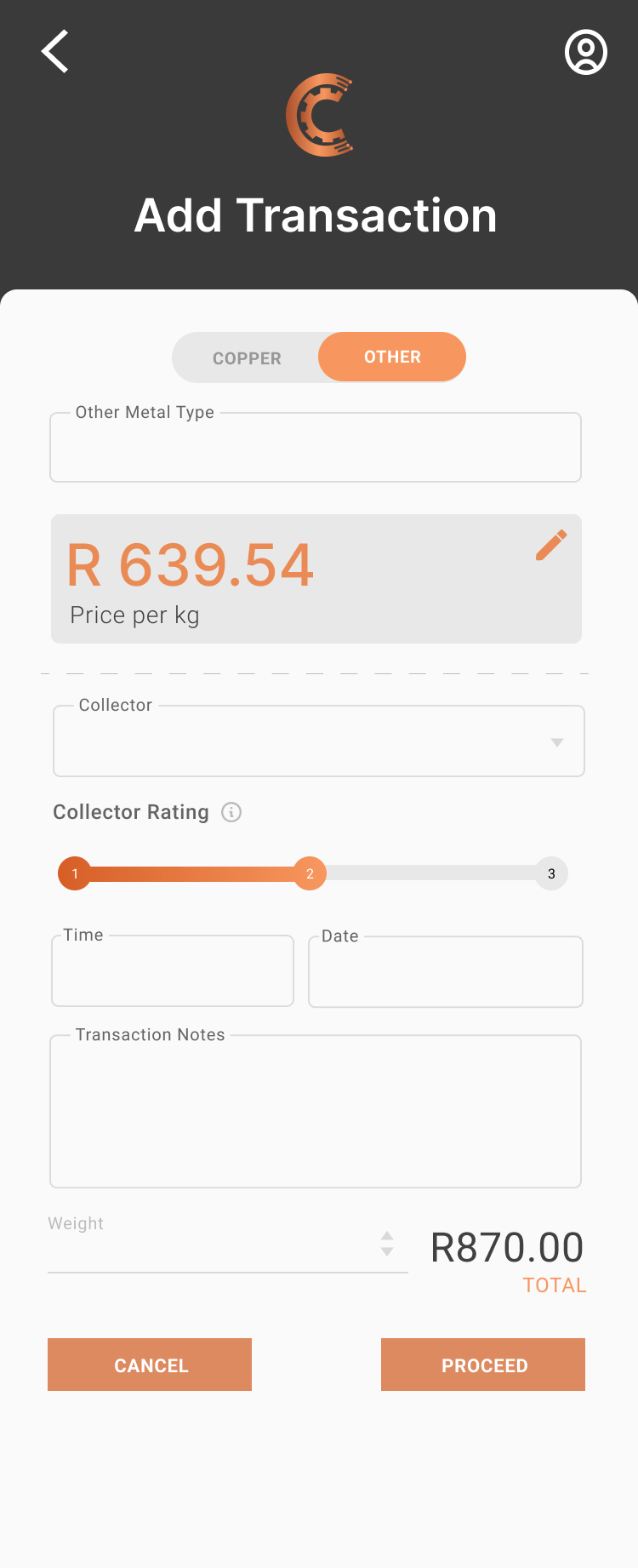
Add transaction
Action
Inputs copper weight,type and price
Goal
Log a sale or purhase with collector
App feature used
New transaction
Notes/Pain points
Auto calculate price based on weight will help
Step 4
Submit
Action
Confirms transaction and issues receipt
Goal
Complete transaction smoothly
App feature used
Complete transaction
Notes/Pain points
Receipt via SMS/Whatsapp is useful for collectors
Step 5
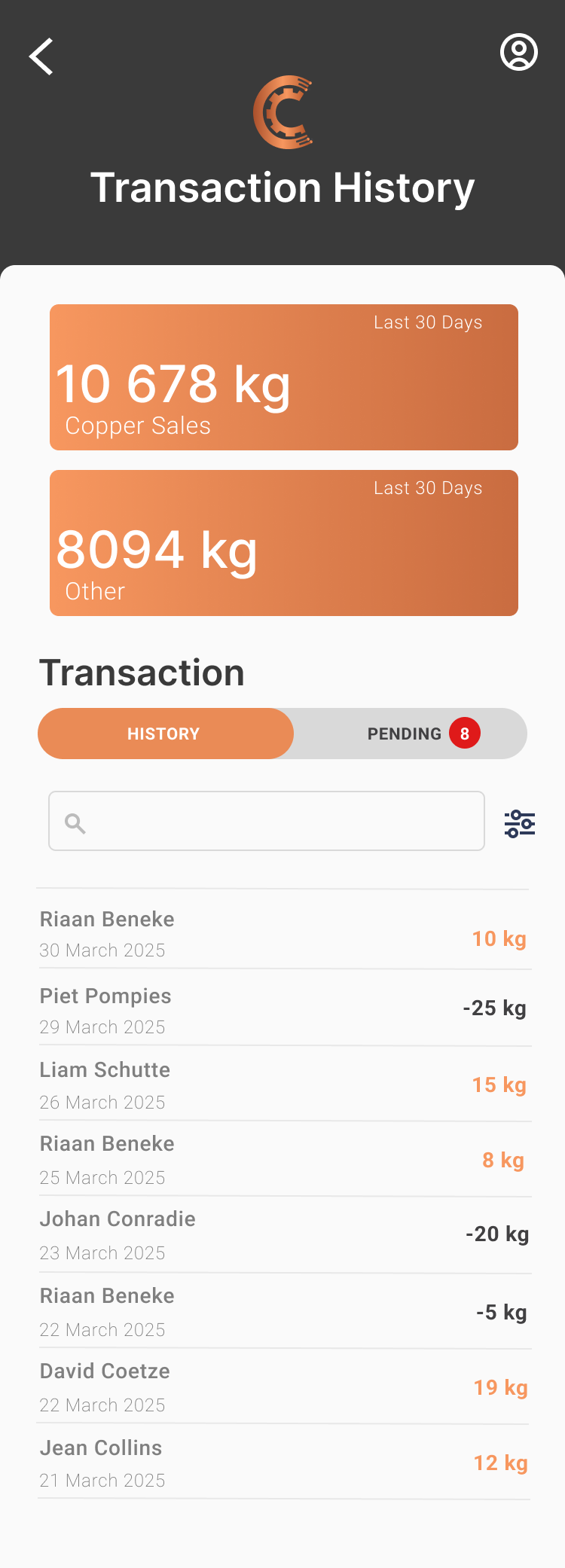
View history
Action
Check transaction logs for the day
Goal
Stay on top of daily recordkeeping
App feature used
Transaction history
Notes/Pain points
Ability to filter by collector and date is important
Prototypes
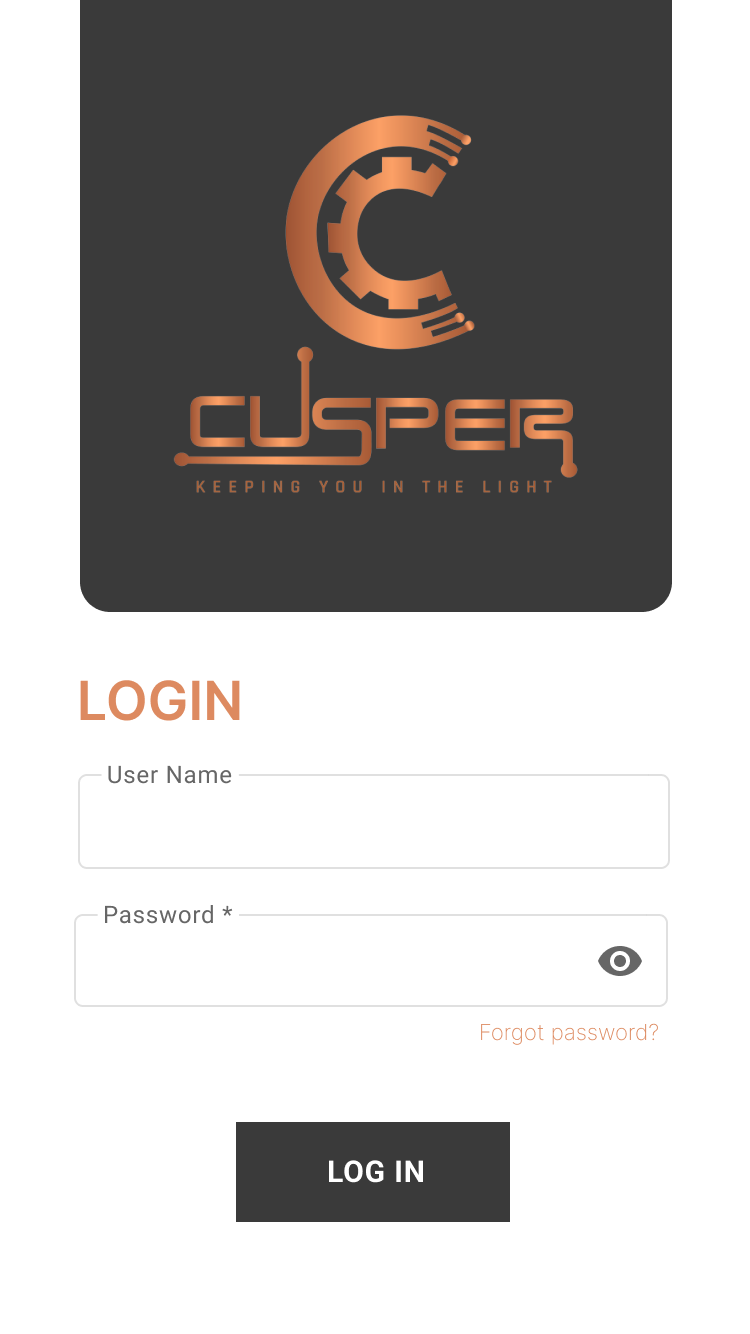
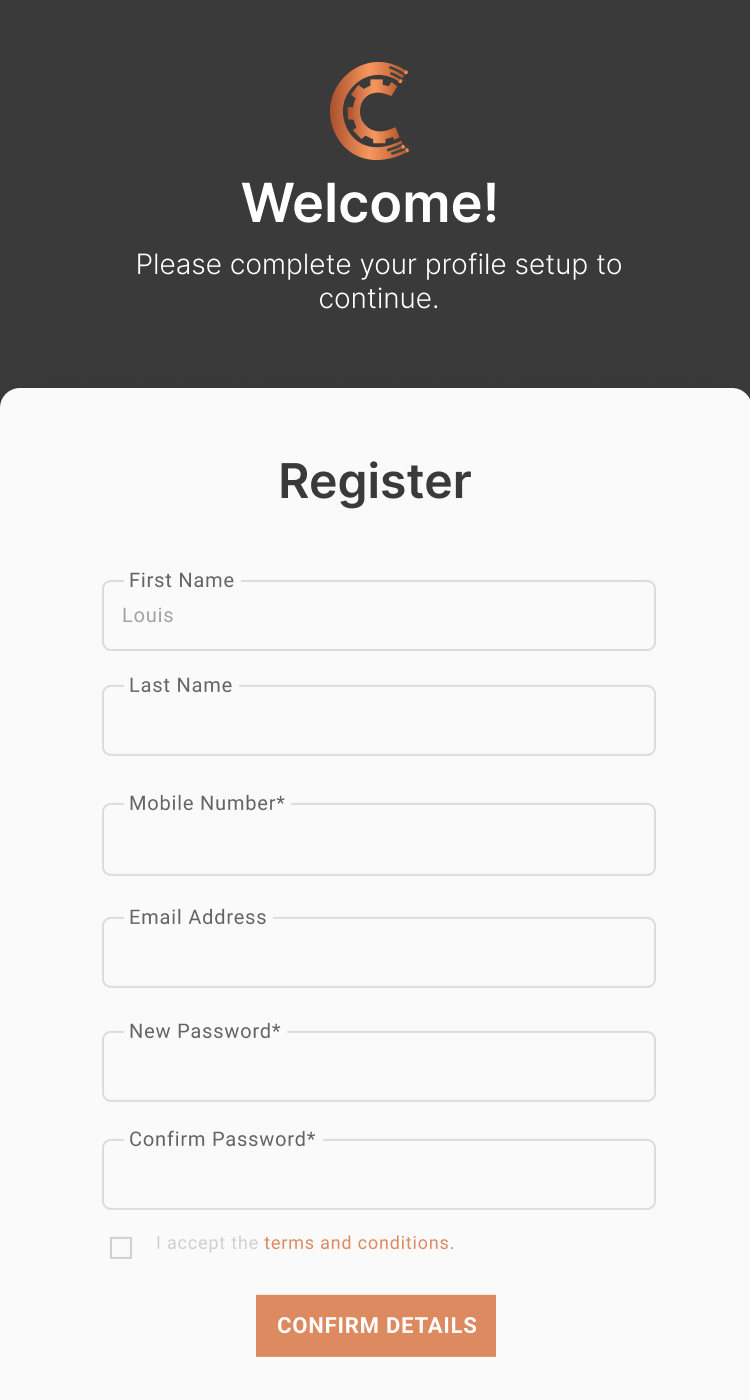
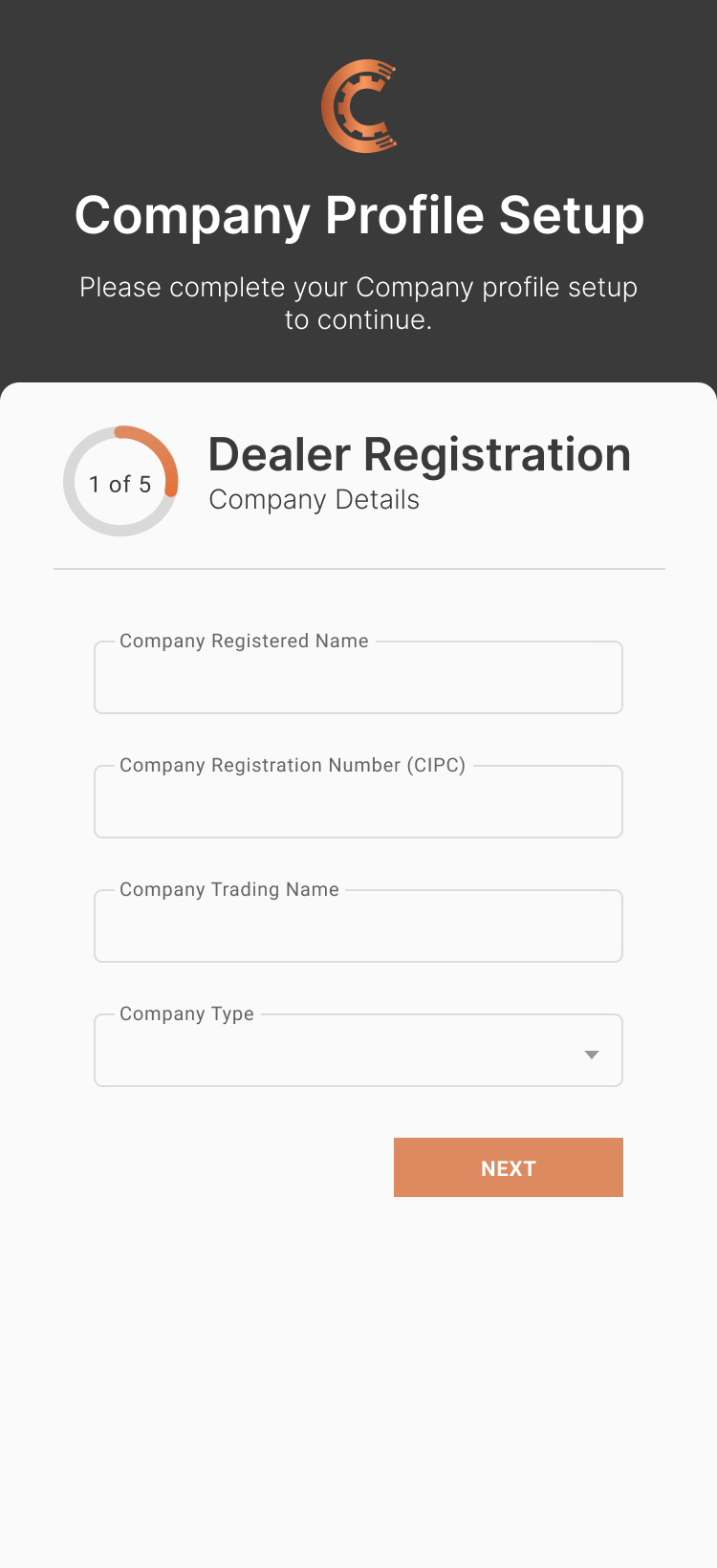
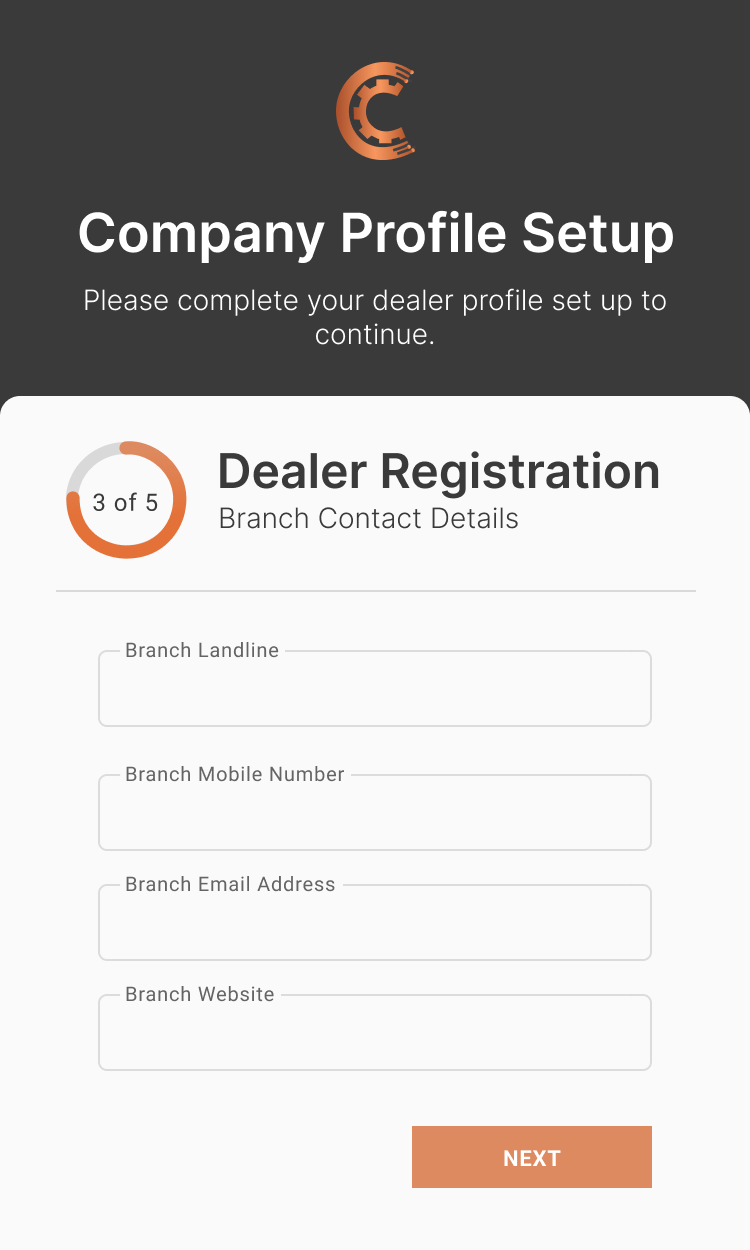
Registration



Collectors



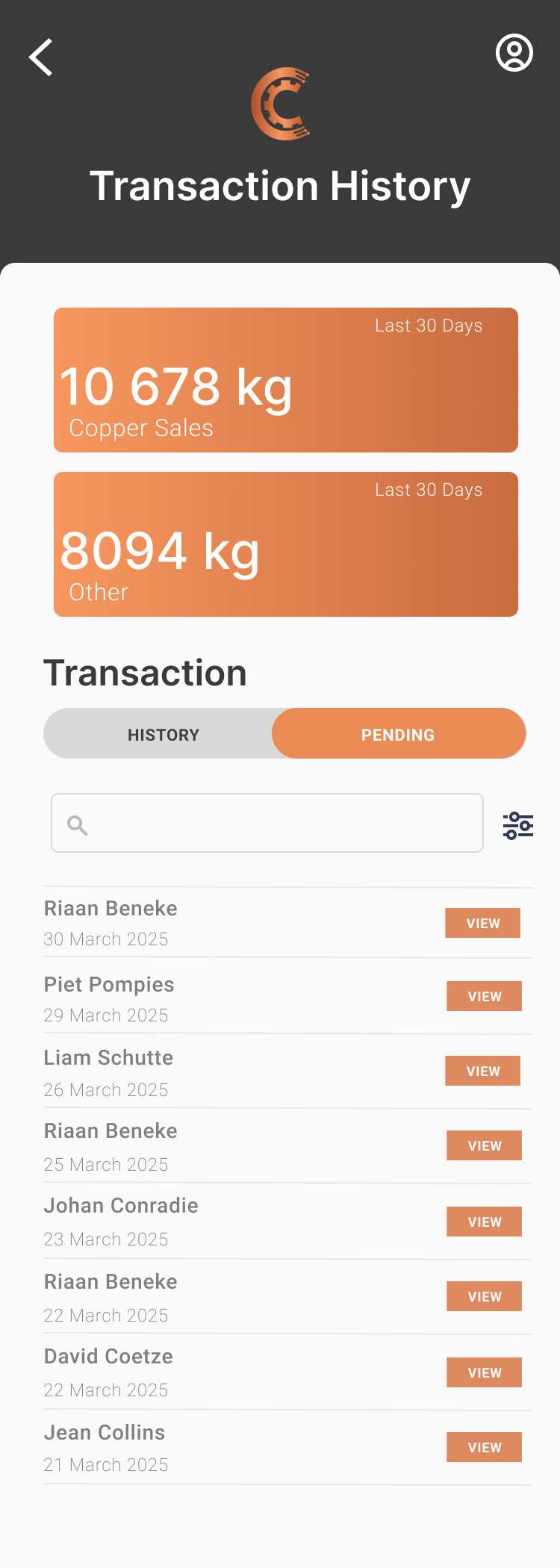
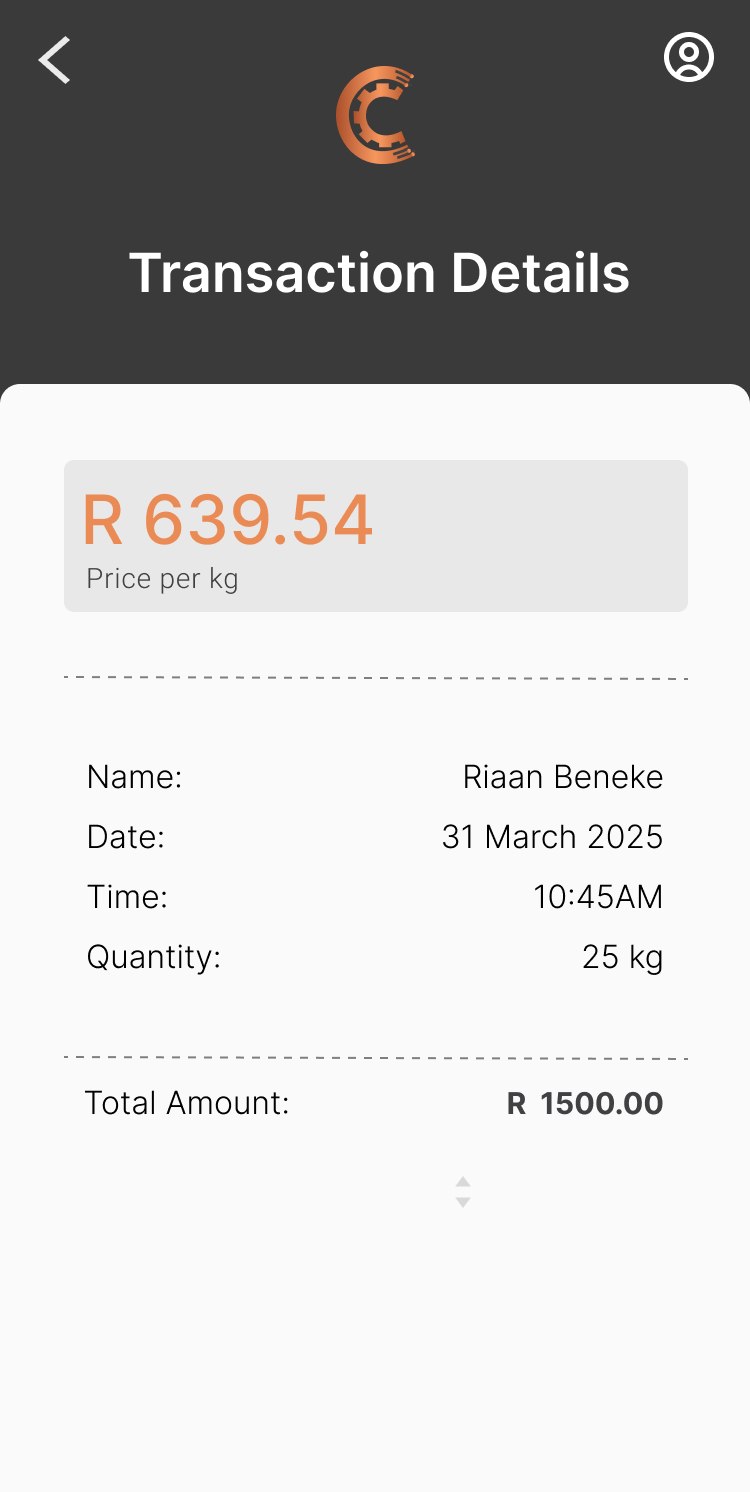
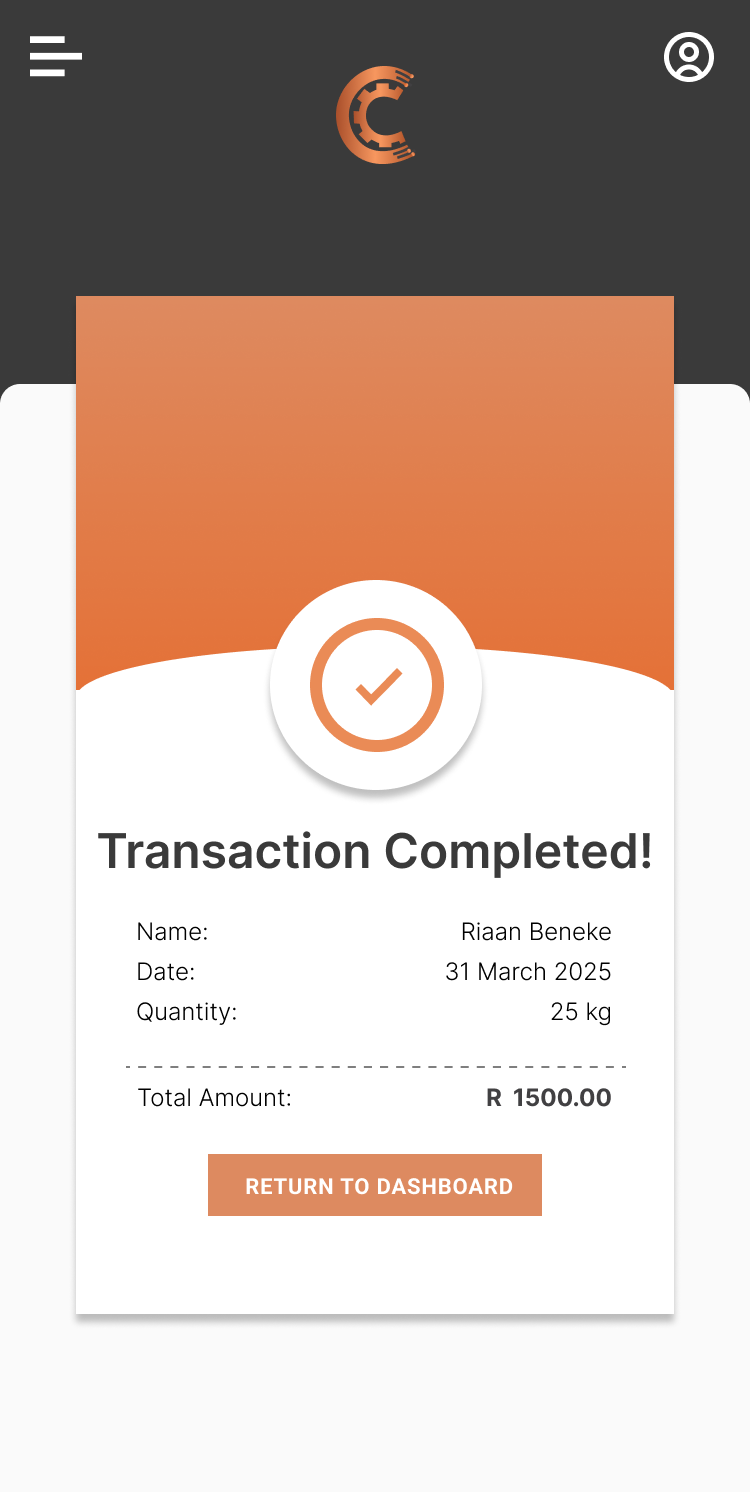
Transactions


Manage