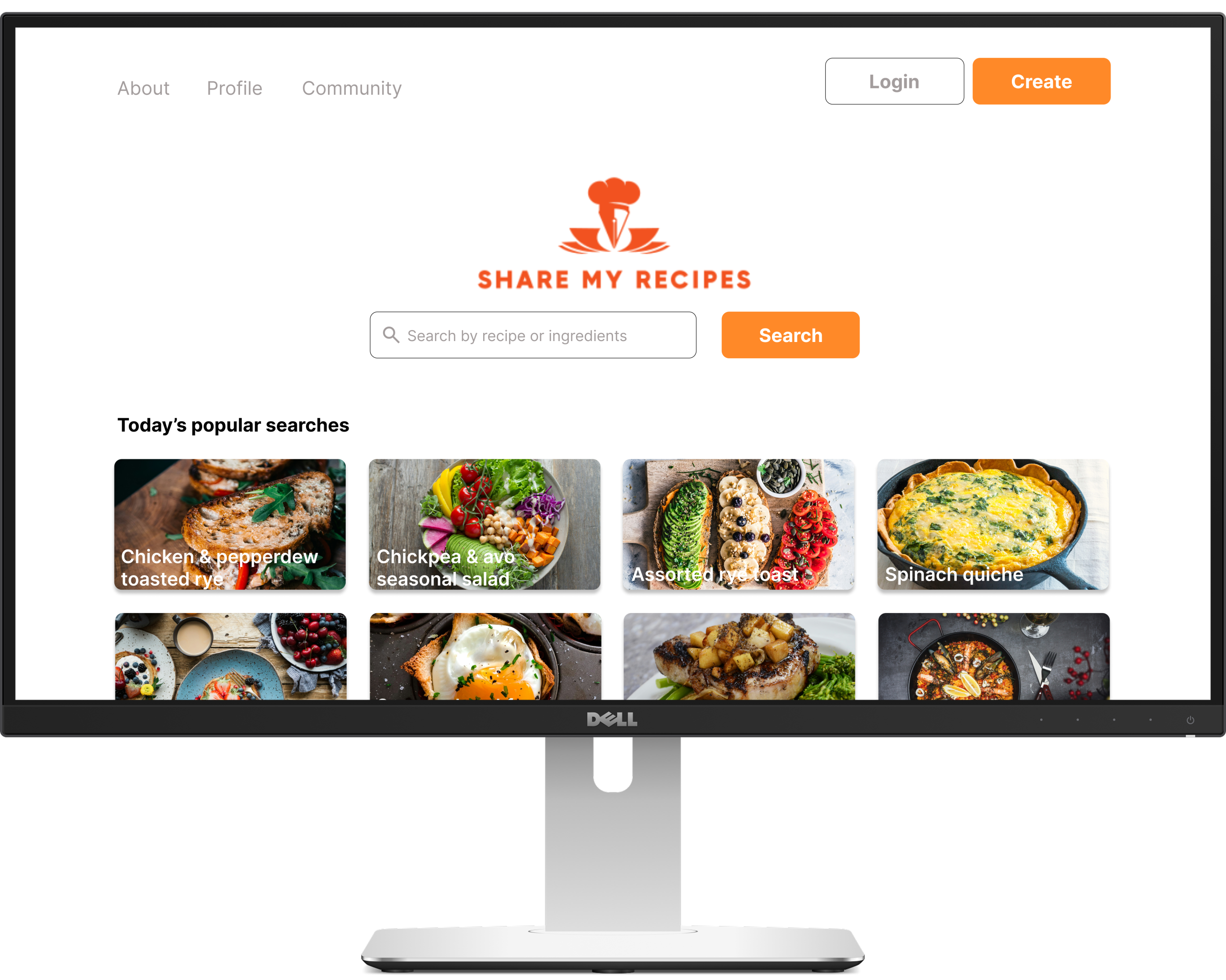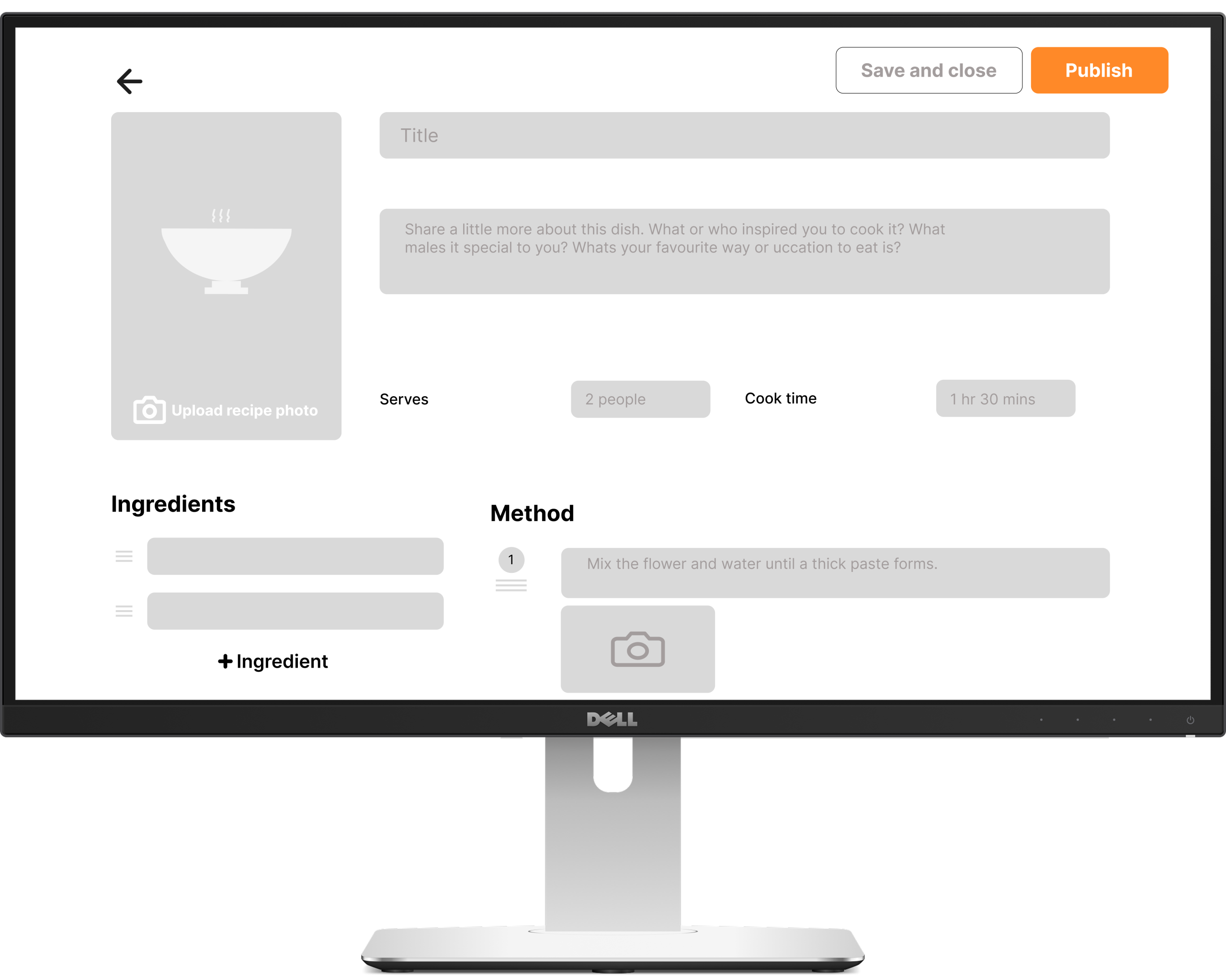
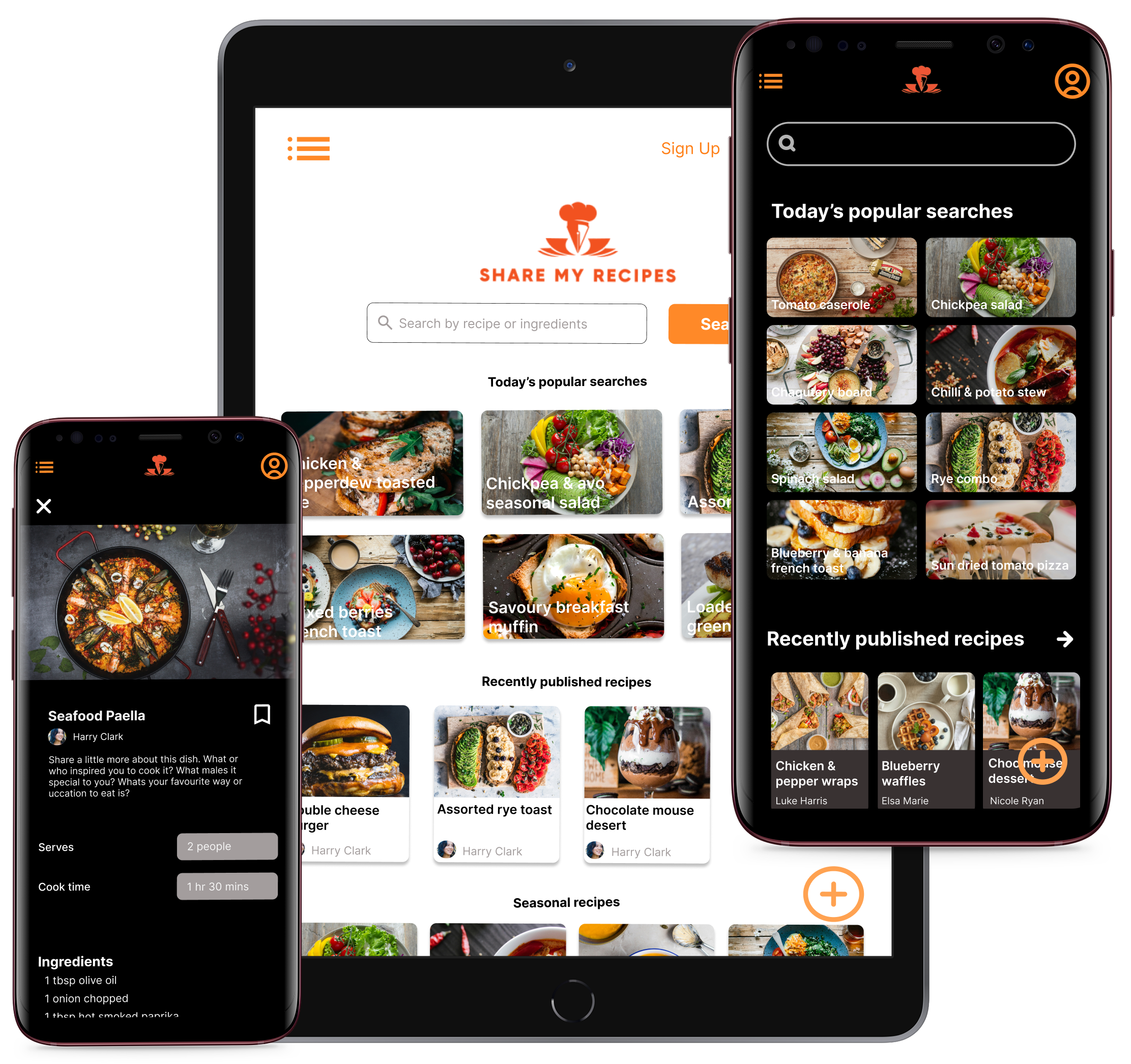

Project Overview
Share My Recipes aims to simplify and celebrate everyday cooking by allowing users to easily upload, browse, and save recipes. The platform will serve as both a personal digital recipe box and a social space, encouraging users to learn, connect, and inspire each other through food. Whether it’s a cherished family dish or a quick student-friendly meal, the app makes recipe sharing easy, accessible, and fun.
Responsibilities
I was responsible for all aspects of this project starting with researching the users, stating user needs and problems, creating ideas, low and high fidelity designs, mockups, prototypes and the final designs.
Design Process


User researh summary
User research for Share My Recipes revealed that users want a simple, intuitive way to share and discover recipes. Many felt overwhelmed by existing platforms and preferred a clean, guided upload process with the ability to add personal tips and images. Visuals played a key role in engagement, with users more likely to try recipes that included clear photos. The desire for community was strong, with features like comments, likes, and following seen as essential. While most preferred browsing on mobile, desktop access was still valued for more detailed tasks. Users also wanted better ways to save and organize recipes into custom collections, highlighting a need for both functionality and personal connection in the platform.
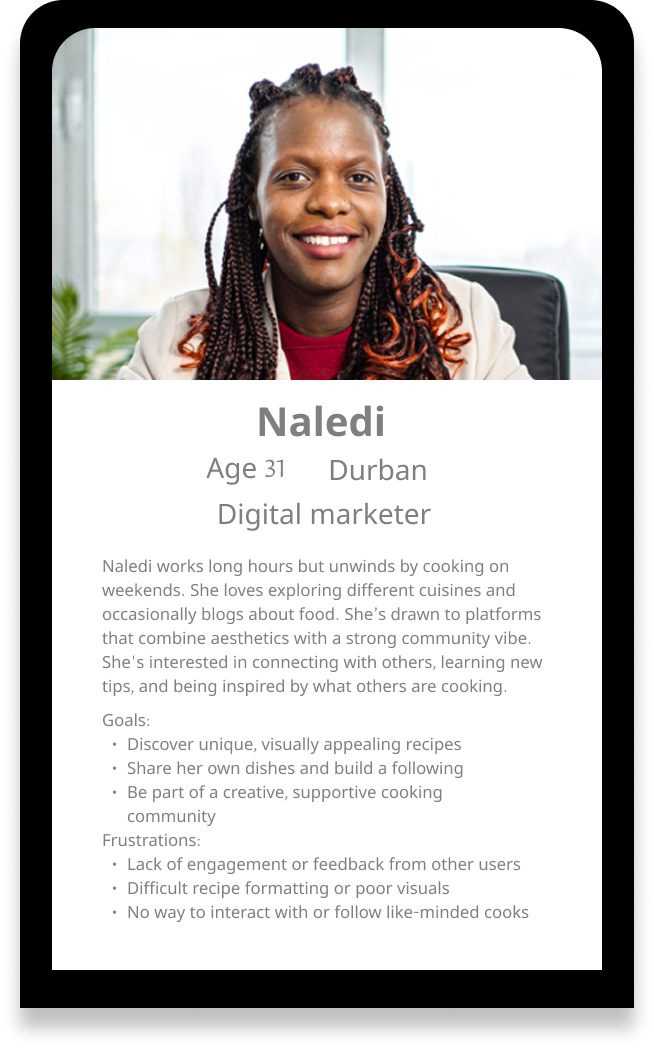
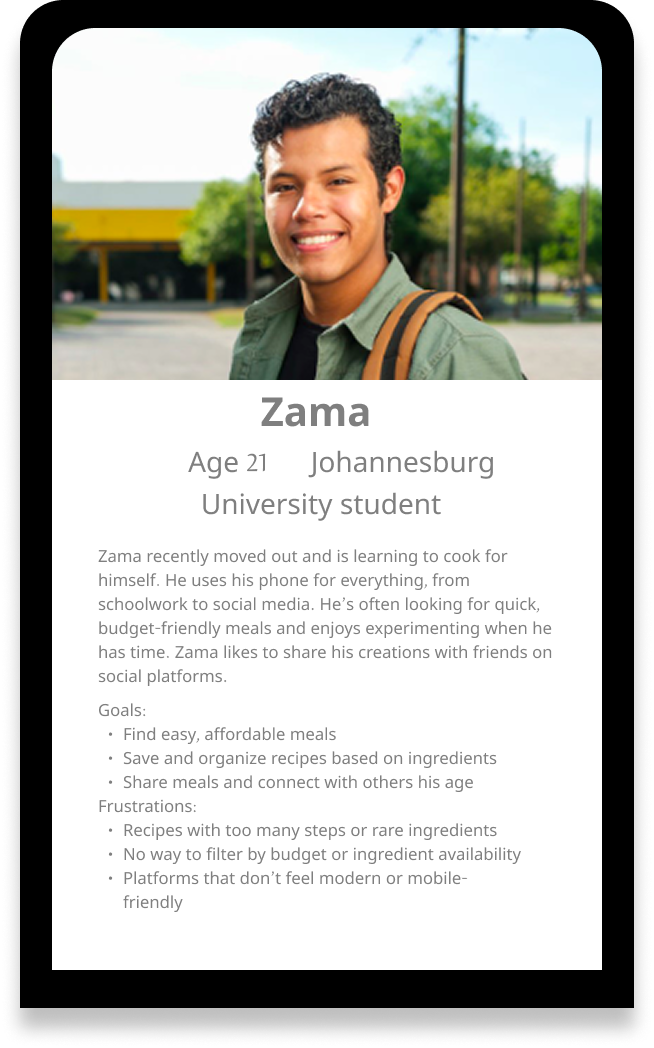
User Personas
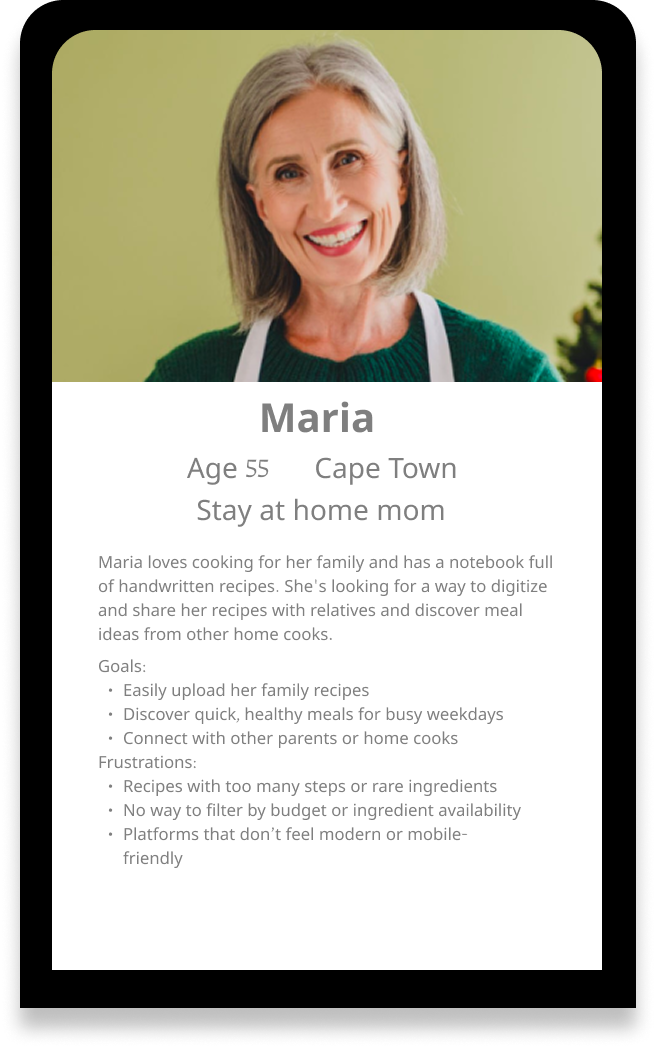
Usability study
1. Upload flow needs more guidance
While users appreciate the idea of uploading their own recipes, a few users felt the process lacked enough prompts or structure. They wanted clearer step-by-step instructions to help guide them through adding ingredients and images without missing anything.
Pain point:
” I love the idea of uploading my own recipes bit I wasn’t sure what to do next after adding ingredients.” – Martha 42
Strategy:
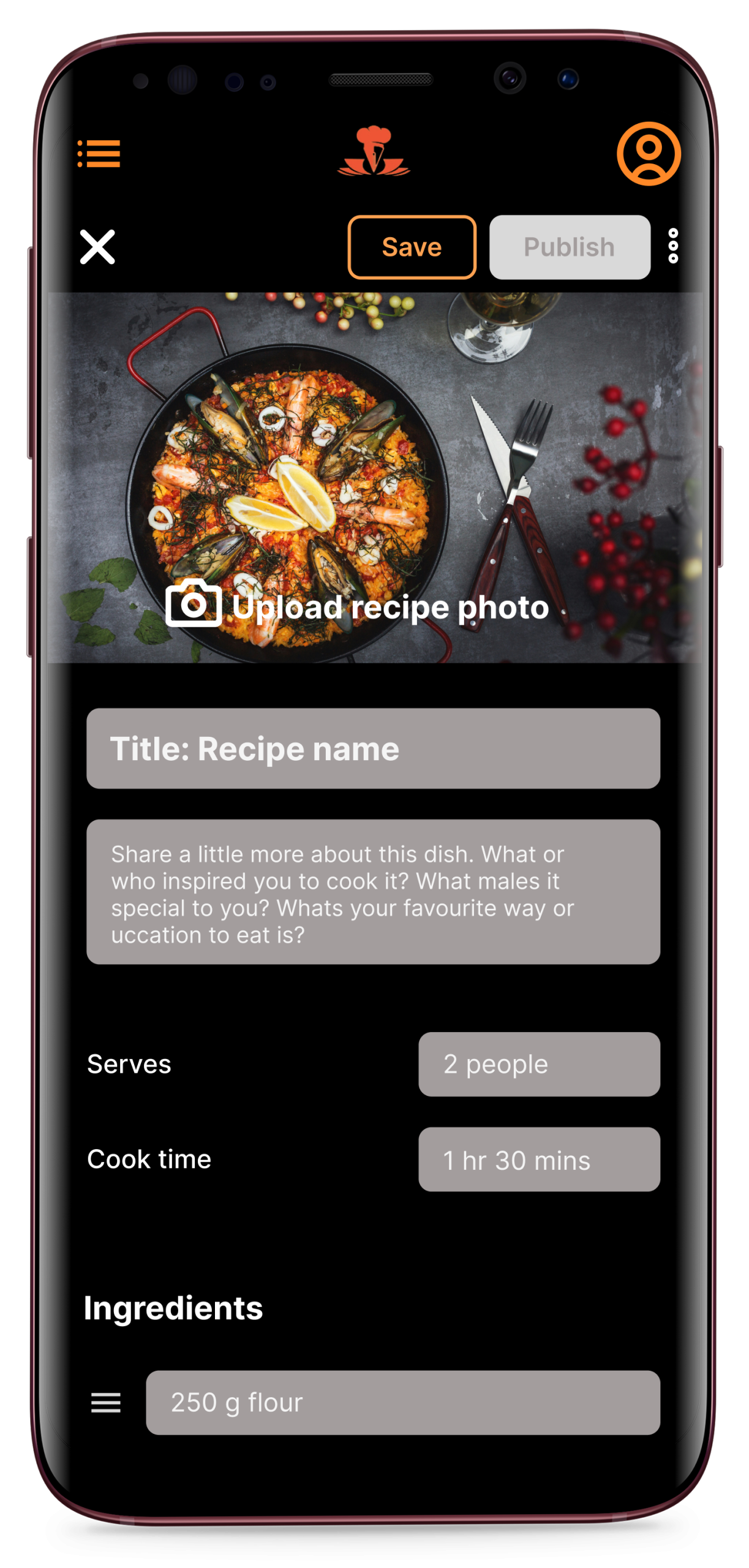
Implement a guided step-by-step upload flow with progress indicators and helpful prompts.
2. Limited community visibility
Users found it difficult to discover or engage on the application. Community posts, discussions, and user interactions were either buried in menus or not prominently displayed, leading to a lack of engagement and a feeling of isolation from other users on the platform.
Pain point:
” I expected to see more from other users like who liked my recipe or comments from people who tried it.” – Naledi 31
Strategy:
Introduce visible social engagement features like likes, comments and follower notifications.
3. Unclear navigation and icon lables
Some users found it confusing to understand certain icons or buttons during the flow, especially in sections like “My recipes” and “Upload recipe”. They suggested clearer lables or more fammiliar visual cues to improve their understanding of the navigation.
Pain point:
” I wasn’t sure what the icons meant, I just tapped around until I figured it out.”
Strategy:
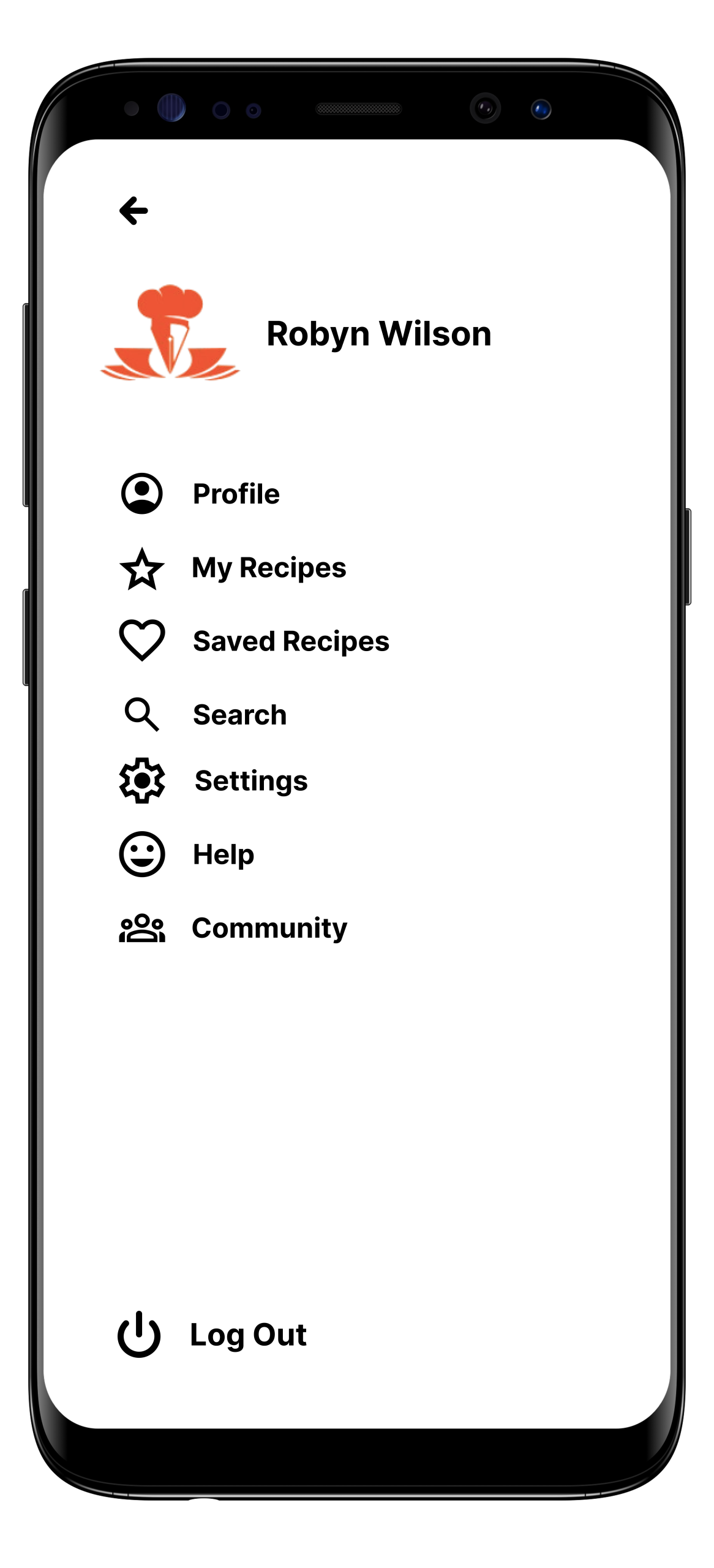
Replace ambiguous icons with more universally recognized icons, add text lables beneath icons and conduct A/B testing to villidate clarity.
Sitemap
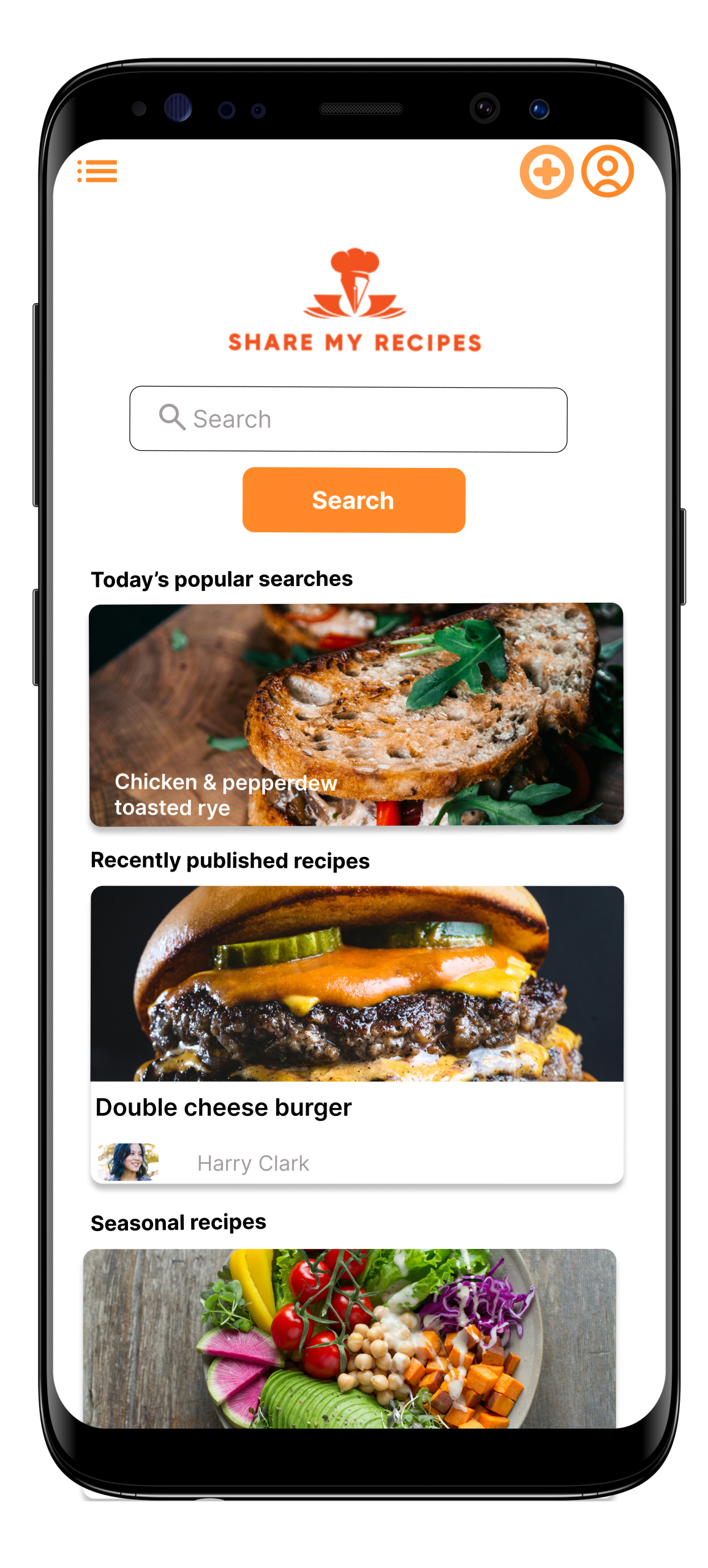
HOME
- Featured recipes
- Trending Recipes
- Categories
- Search bar
- Quick access to upload or save recipes
BROWSE
Filter by:
- Ingredients
- Dietary type
- Cooking time
- Difficulty level
- Budget
RECIPE DETAILS
- Recipe image & title
- Author info & Profile link
- Ingredients list
- Step-by-step instructions
- Cooking & serving time
- Tags
- Comments section
- Like/savr/share options
UPLOAD RECIPE
- Step 1: Title & cover photo
- Step 2: Ingretiets ( add item by item)
- Step 3: Instructions ( optional photos)
- Difficulty level
- Budget
COMMUNITY
- Feed of recent recipes
- User posts & discussions
- Likes, comments & replies
- Follow other users
- Notifications
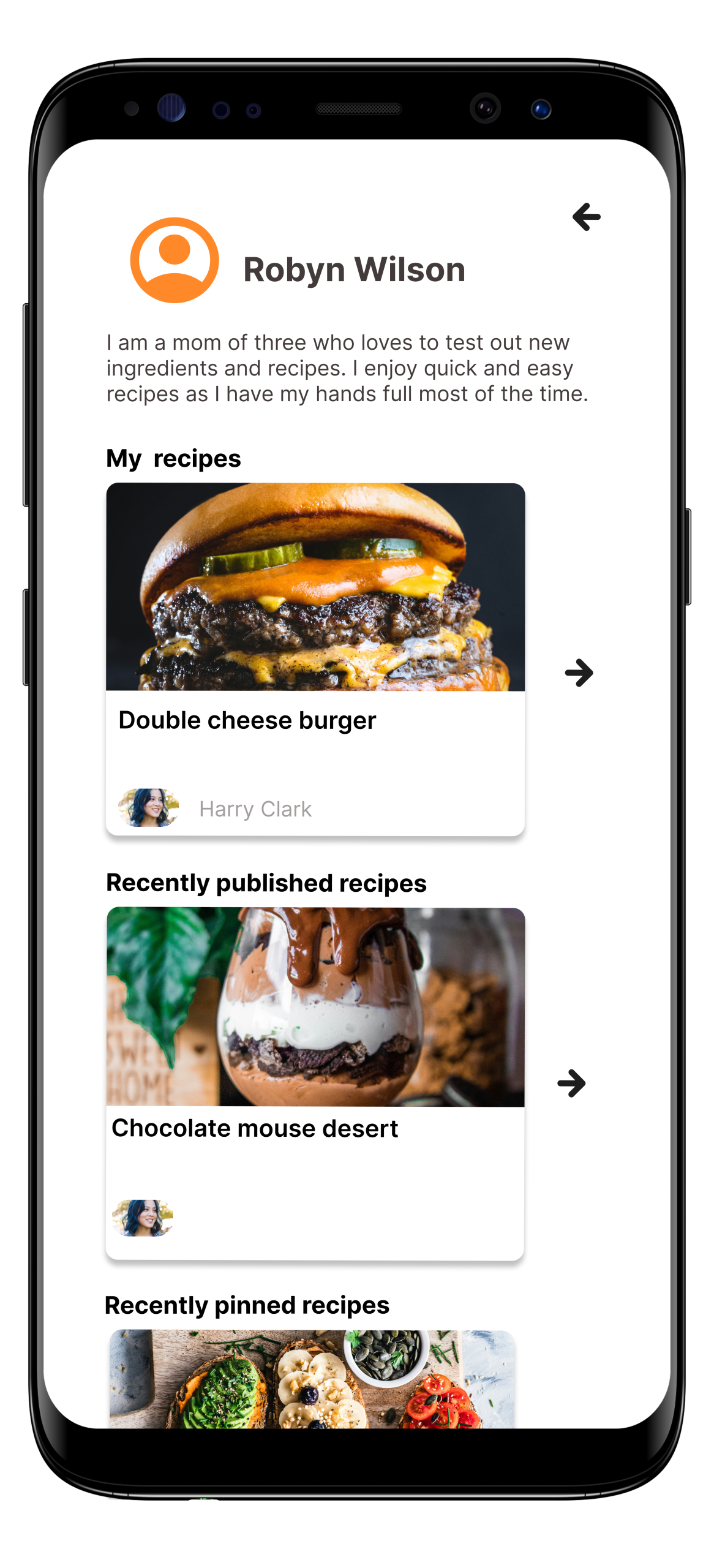
UDER PROFILE
- Published recipes
- Drafts
- Saved recipes
- Edit/delete options
- Followers & following
SETTINGS
- Edit profile
- Notification settings
- Privacy settings
- Account preferences
- Logout
SEARCH
- Keyword search
- Filter & sort integration
- Recent searches
Wireframes
Based on the user research findings and identified pain points, I created paper wireframes to explore key layout ideas and user journeys within the Share My Recipes app. The wireframes focus on simplifying navigation and enhancing the user experience, particularly around recipe discovery, uploading, and community interaction. I prioritized clarity in labels and icon usage to reduce confusion, and structured the recipe upload flow as a guided, step-by-step process to make it more approachable for all users. The home screen highlights featured and trending recipes, while the community feed promotes engagement with user-generated content. Each screen was designed with mobile-first behavior in mind, ensuring intuitive access to core features like search, saved recipes, and profile management. These low-fidelity sketches served as a foundation for refining layout, hierarchy, and usability before moving into digital prototyping.
Low-fidelity wireframes
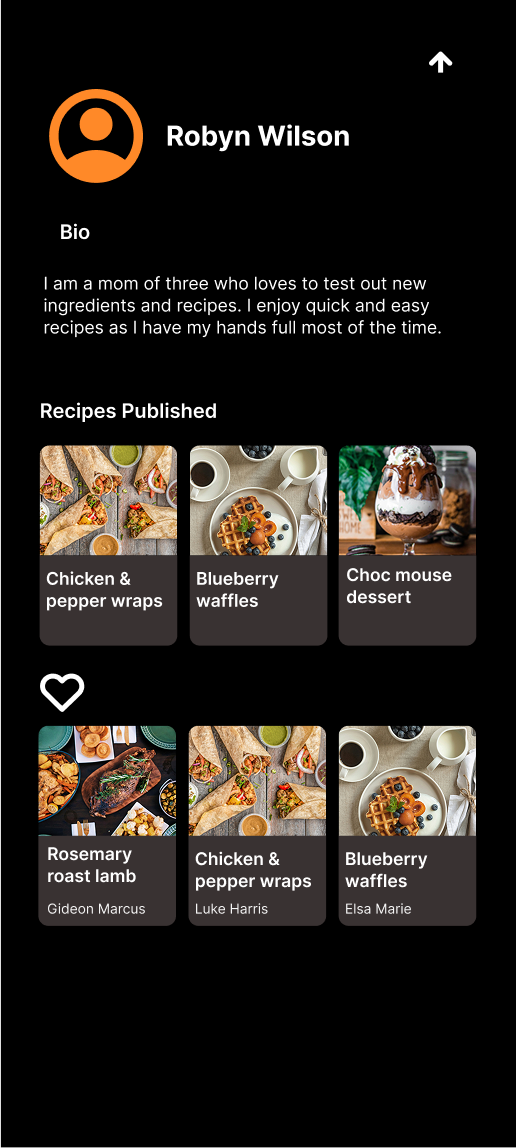
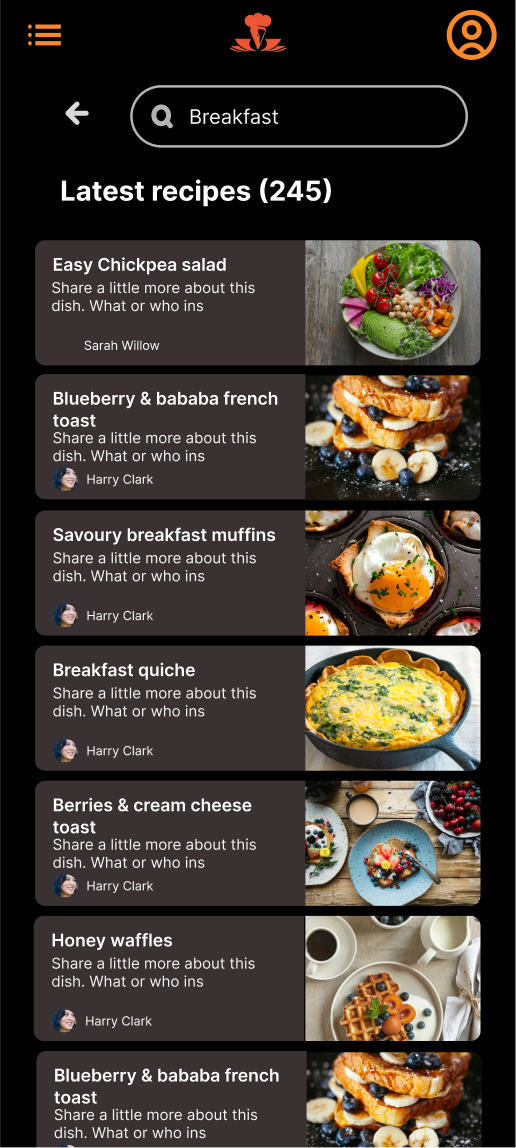
I translated my paper wireframes into low-fidelity wireframes using Figma to begin shaping the structure and layout of the app digitally. This step allowed me to refine spacing, navigation flow, and user interactions more precisely, while keeping the design simple and focused on functionality. It also helped identify areas for improvement before adding visual design elements or interactivity. I also added designs for multiple screen sizes.
Prototypes

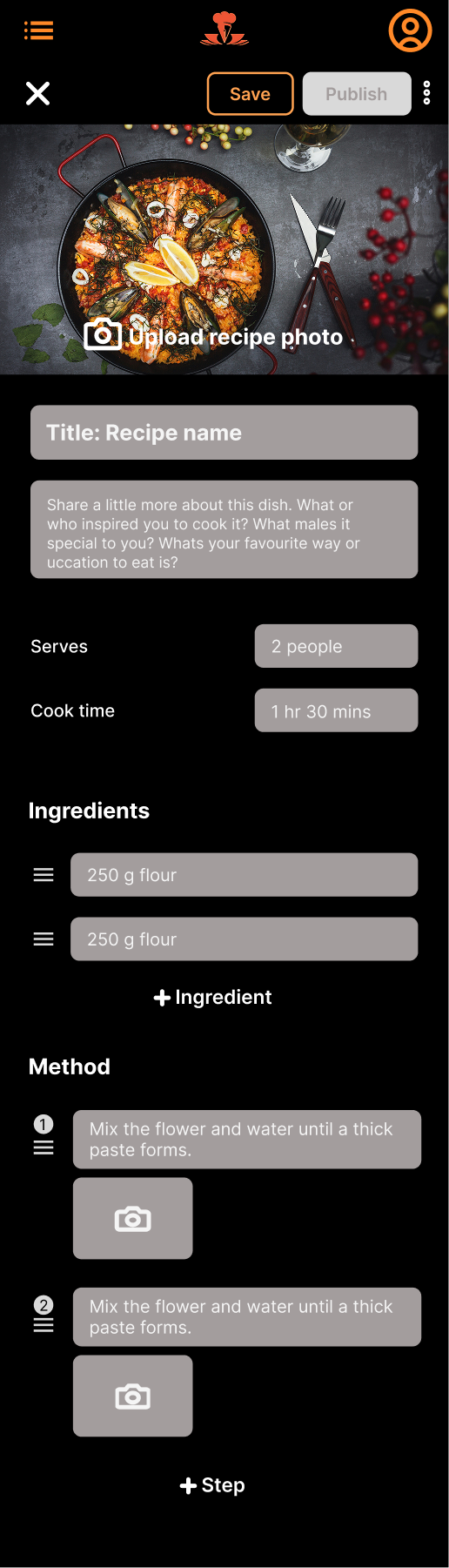
Usability study findings
I conducted a usability study on the low-fidelity prototype to observe how users interacted with the app’s core features, including recipe discovery, uploading, and navigation. The testing revealed that users appreciated the clean layout and intuitive flow but suggested clearer icons and more guidance during the upload process. Some found it unclear how to organize saved recipes or navigate back to the home screen. Overall, the study provided valuable insights that helped refine the structure and improve clarity, ensuring the app would be more user-friendly and aligned with real user expectations.
Styleguide
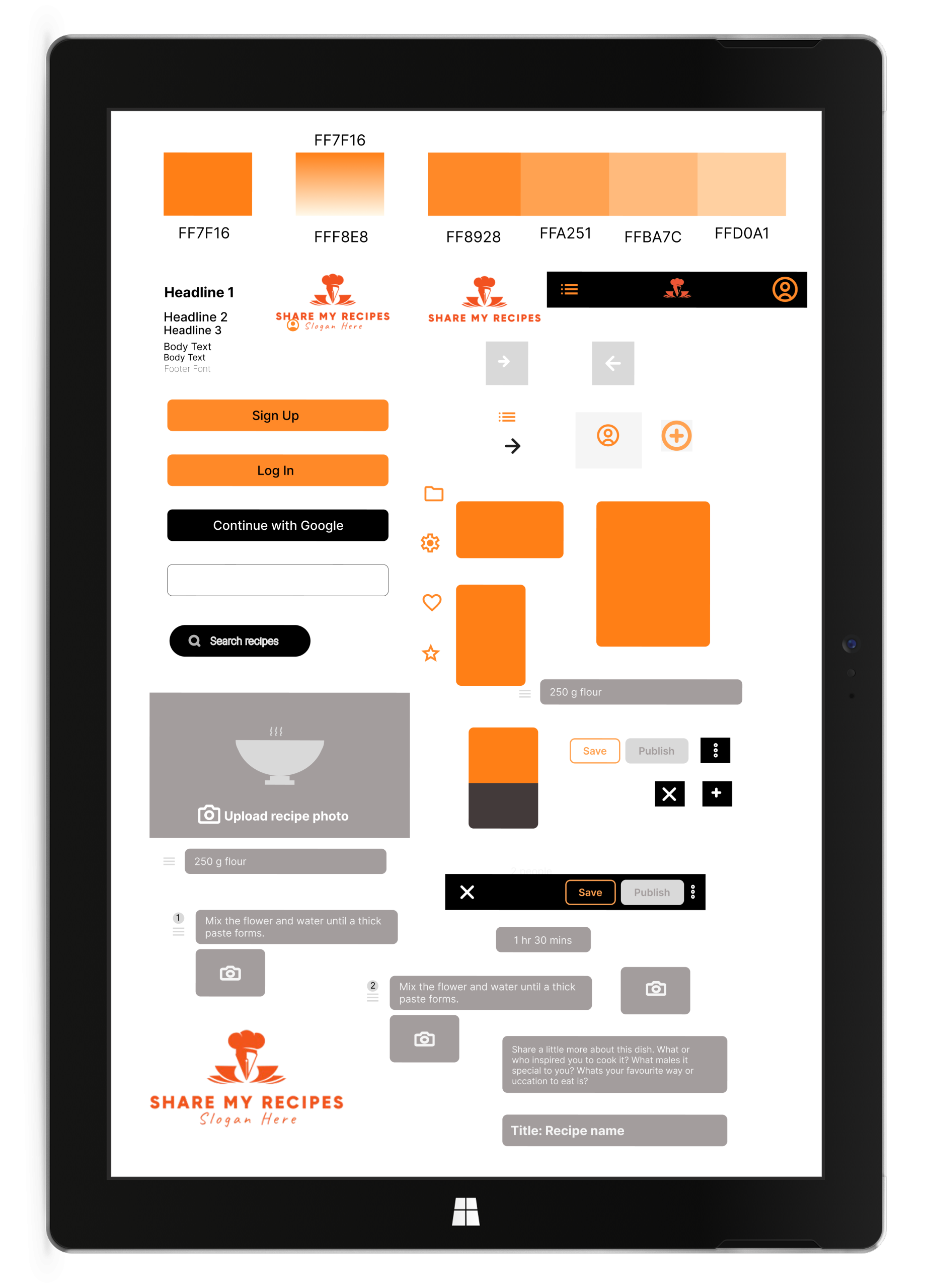
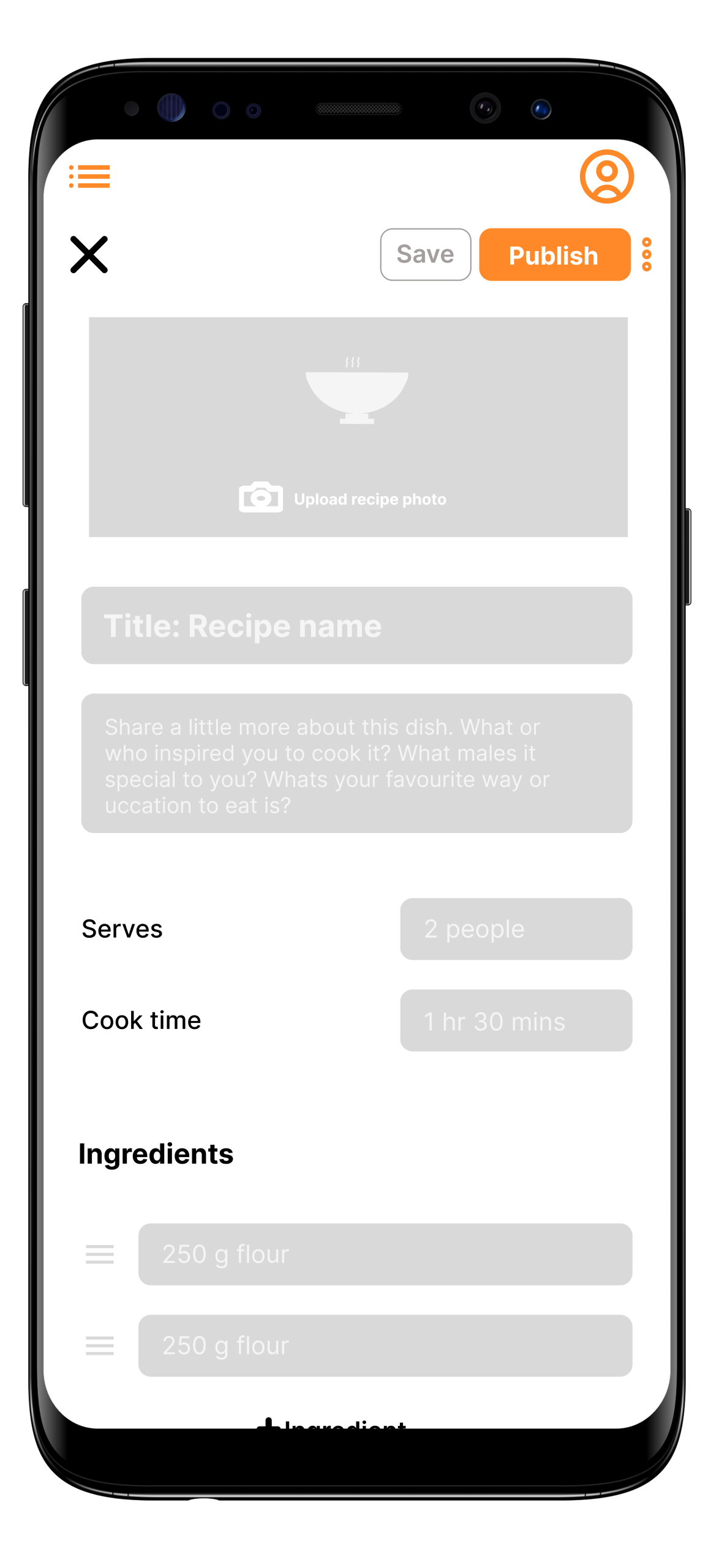
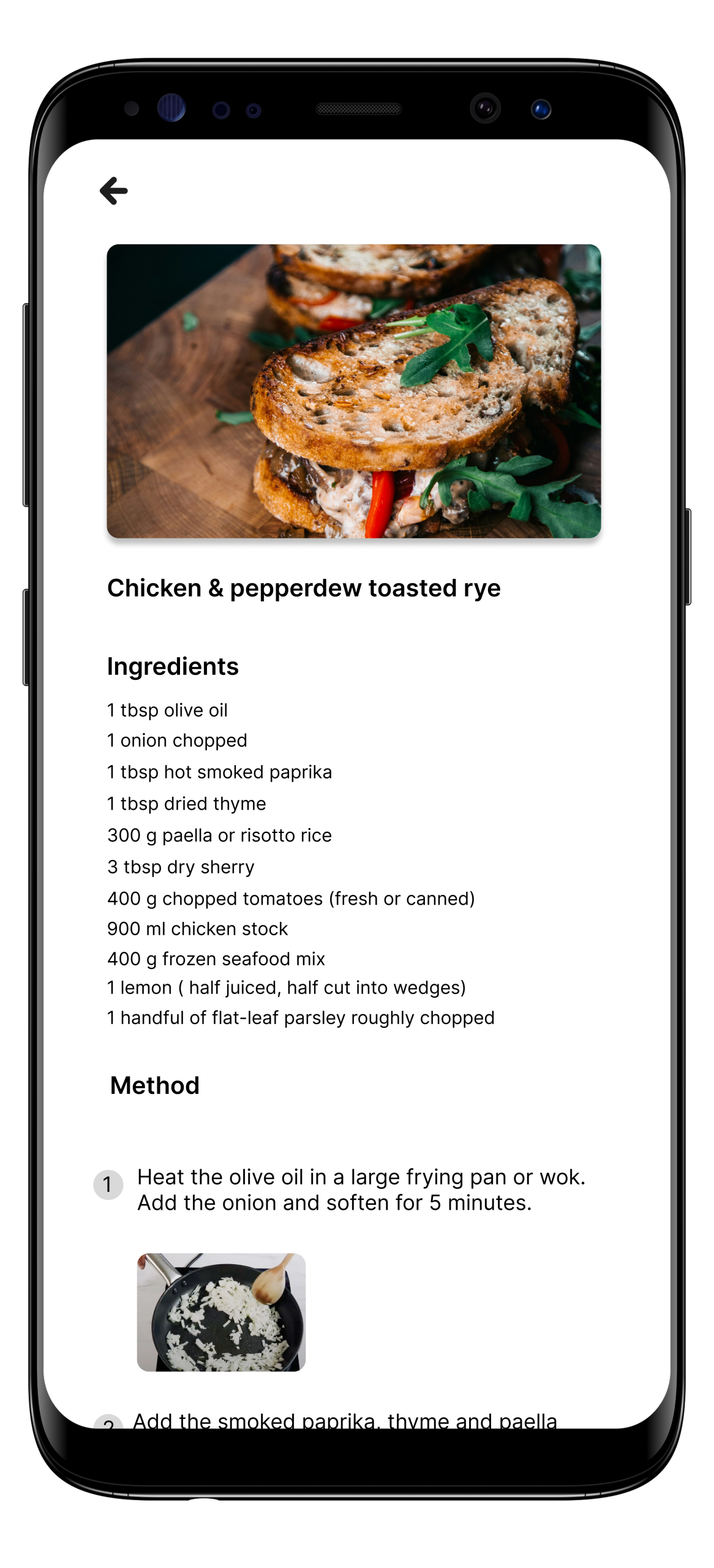
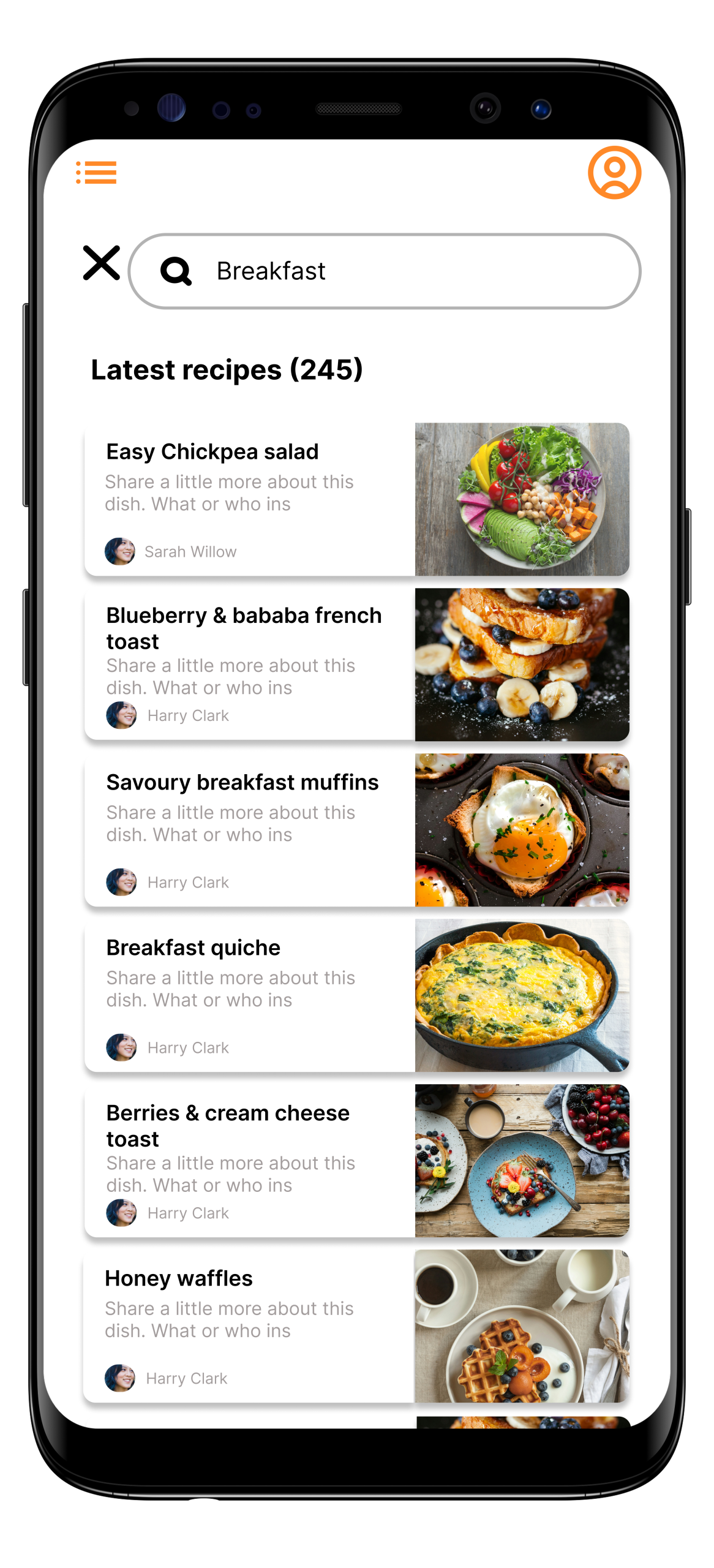
Final Prototype: Mobile App

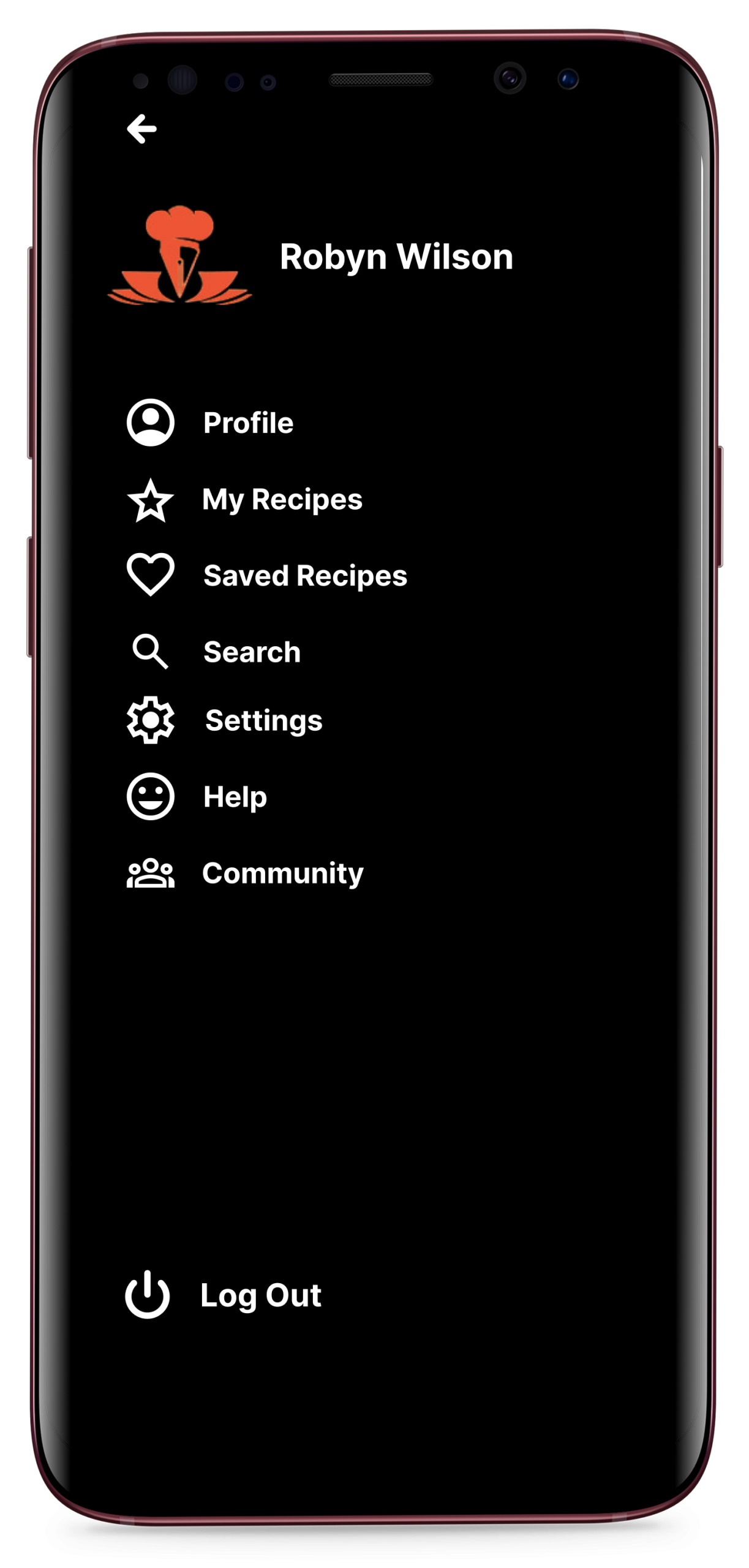
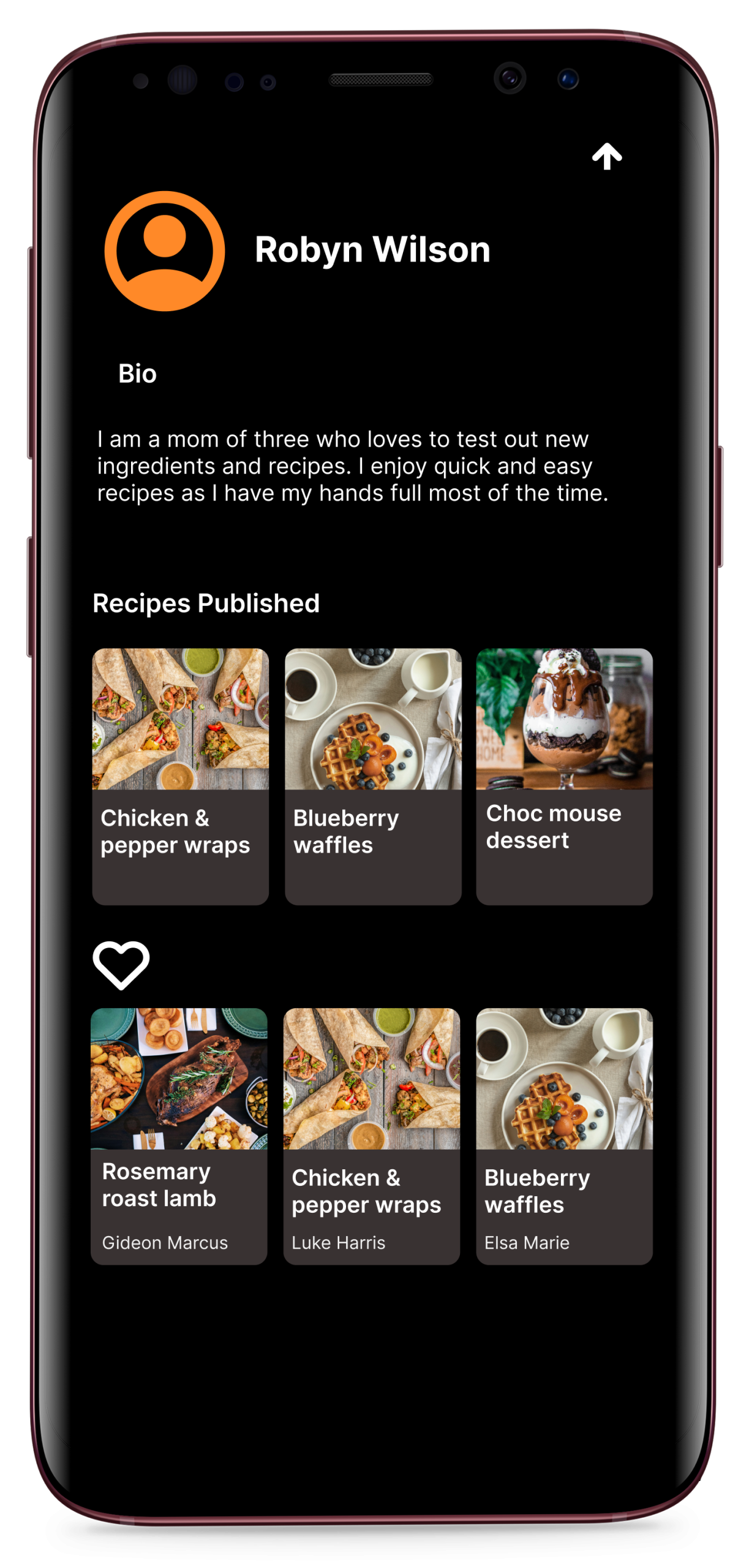


Final Prototype: Mobile Web
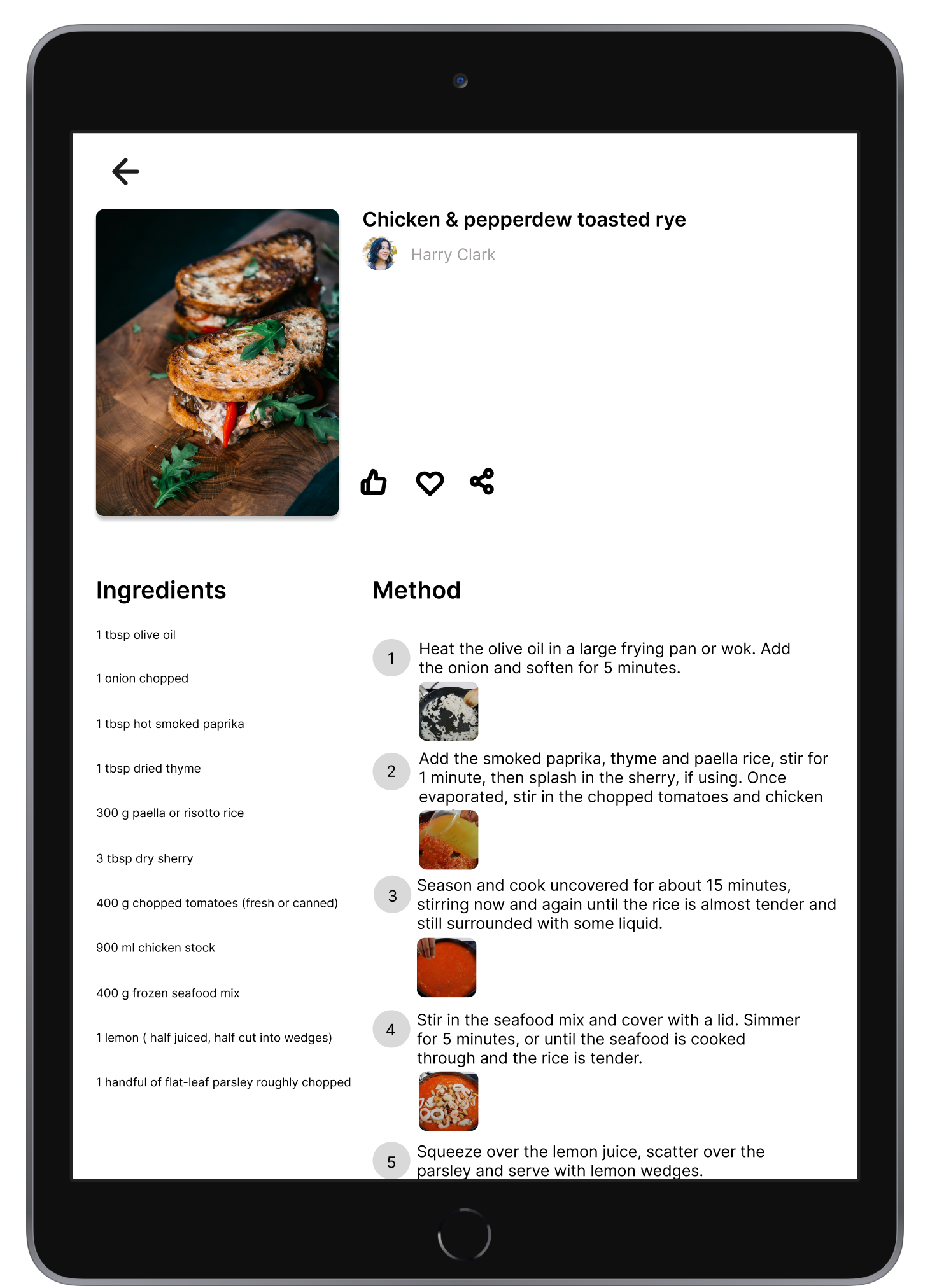
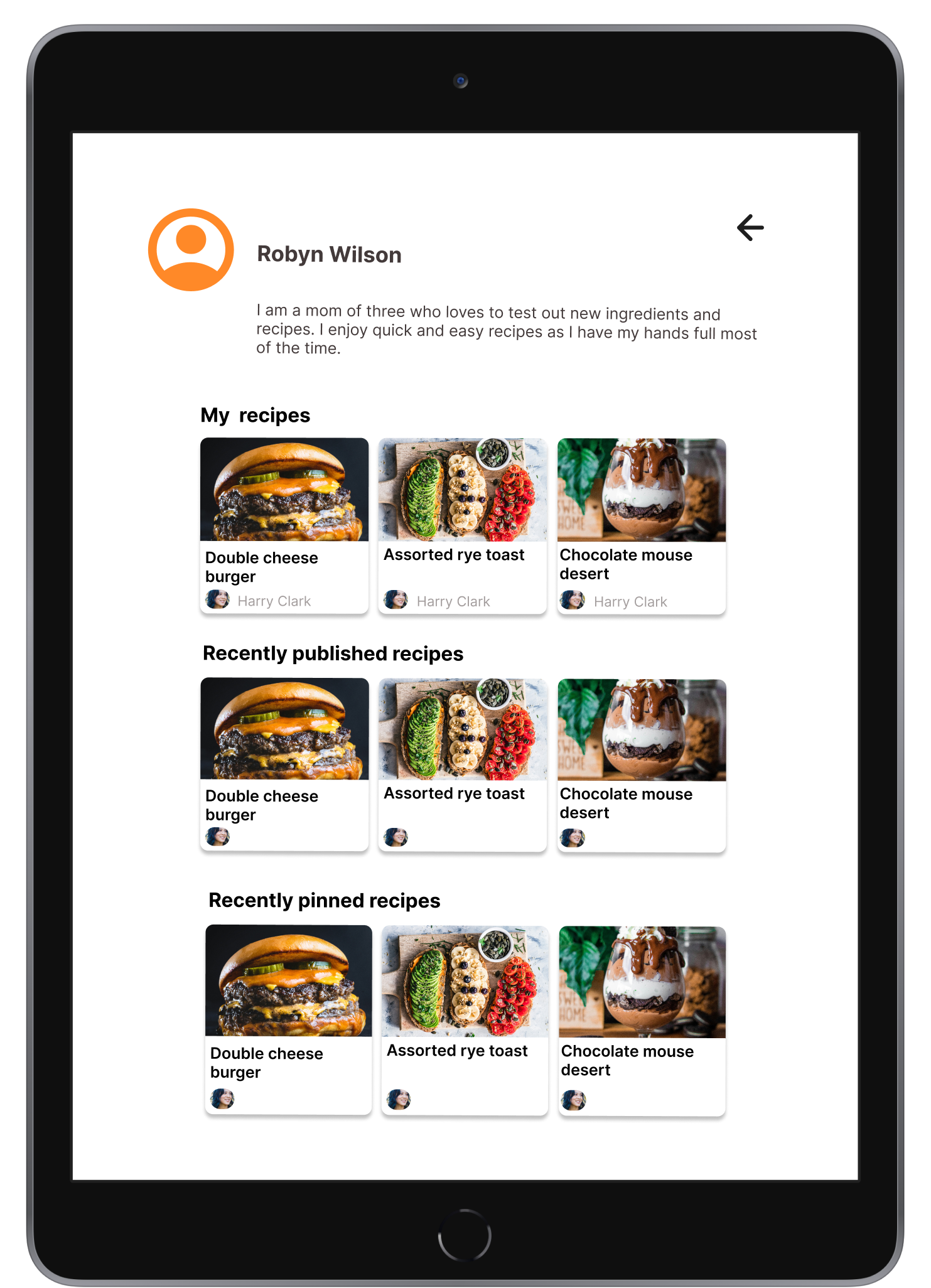
Final Prototype: Tablet


Final Prototype: Desktop